
Screenshots
About this app
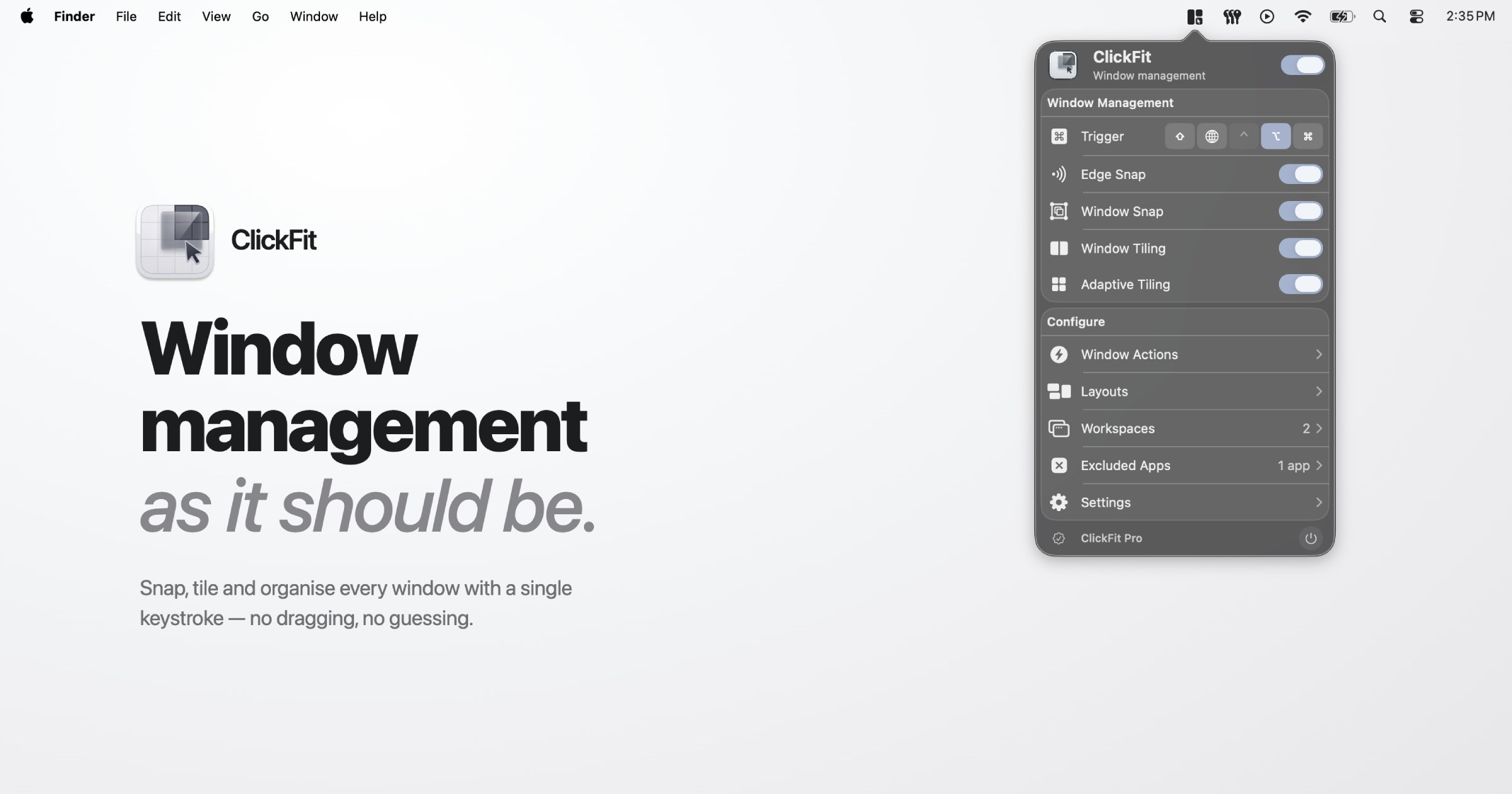
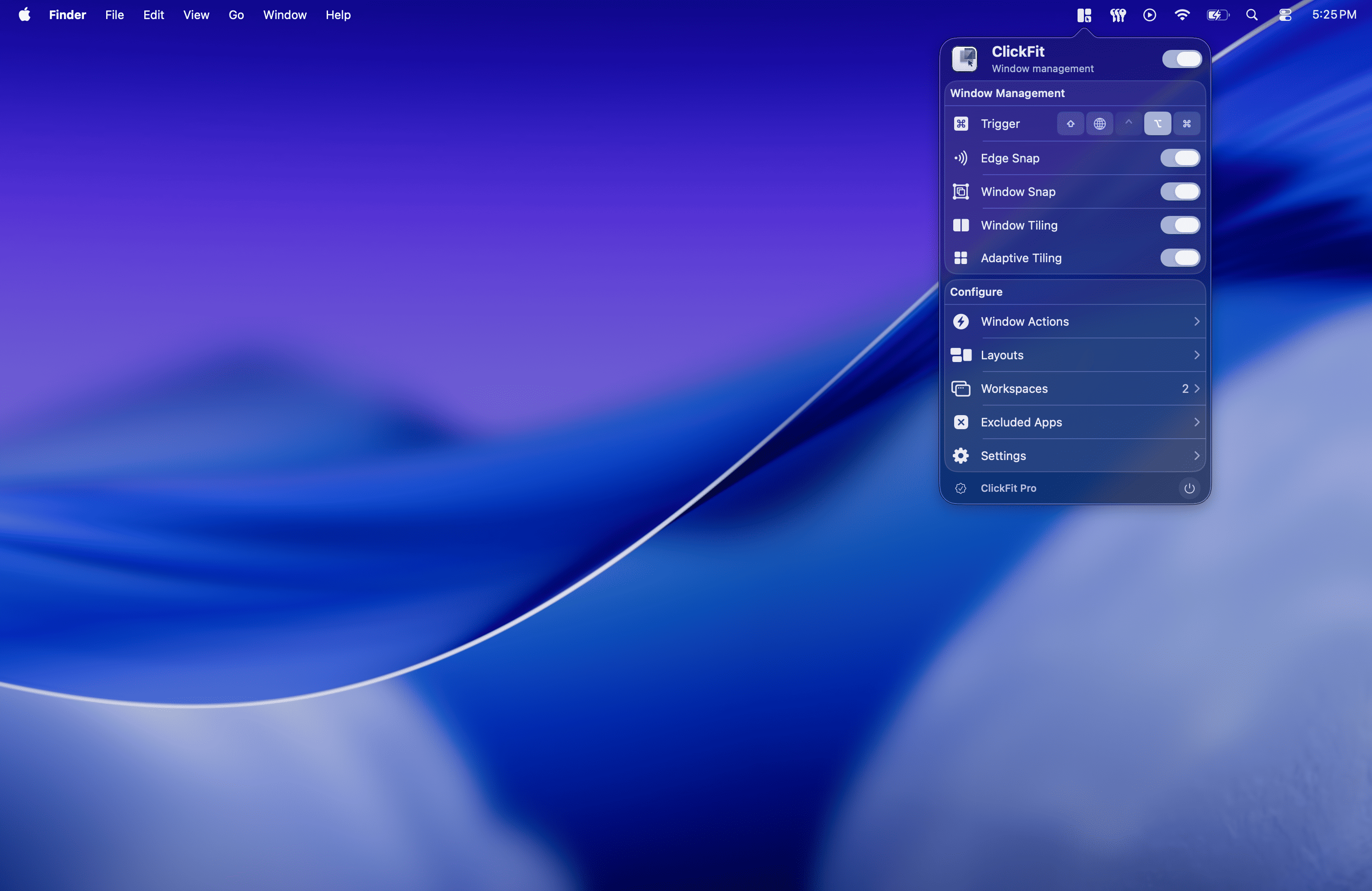
**ClickFit** is a native macOS menu bar window manager that makes arranging windows faster and more precise.
Hold a modifier key and drag from anywhere inside a window to move it, or right-drag to resize — no more hunting for tiny title bars, edges, or corners. Flick a window toward a screen edge to tile it, double-click to center or maximize, and let smart snapping align everything pixel-perfectly.
ClickFit is built for people who juggle many windows all day — developers, designers, writers, and anyone on a large display or multi-monitor setup who wants their workspace under control without lifting their hands off the mouse or trackpad.
Key features
- **Move & resize from anywhere** — modifier + drag gestures, no precise targeting needed.
- **Smart snapping** — windows align to screen edges and neighboring windows as you drag.
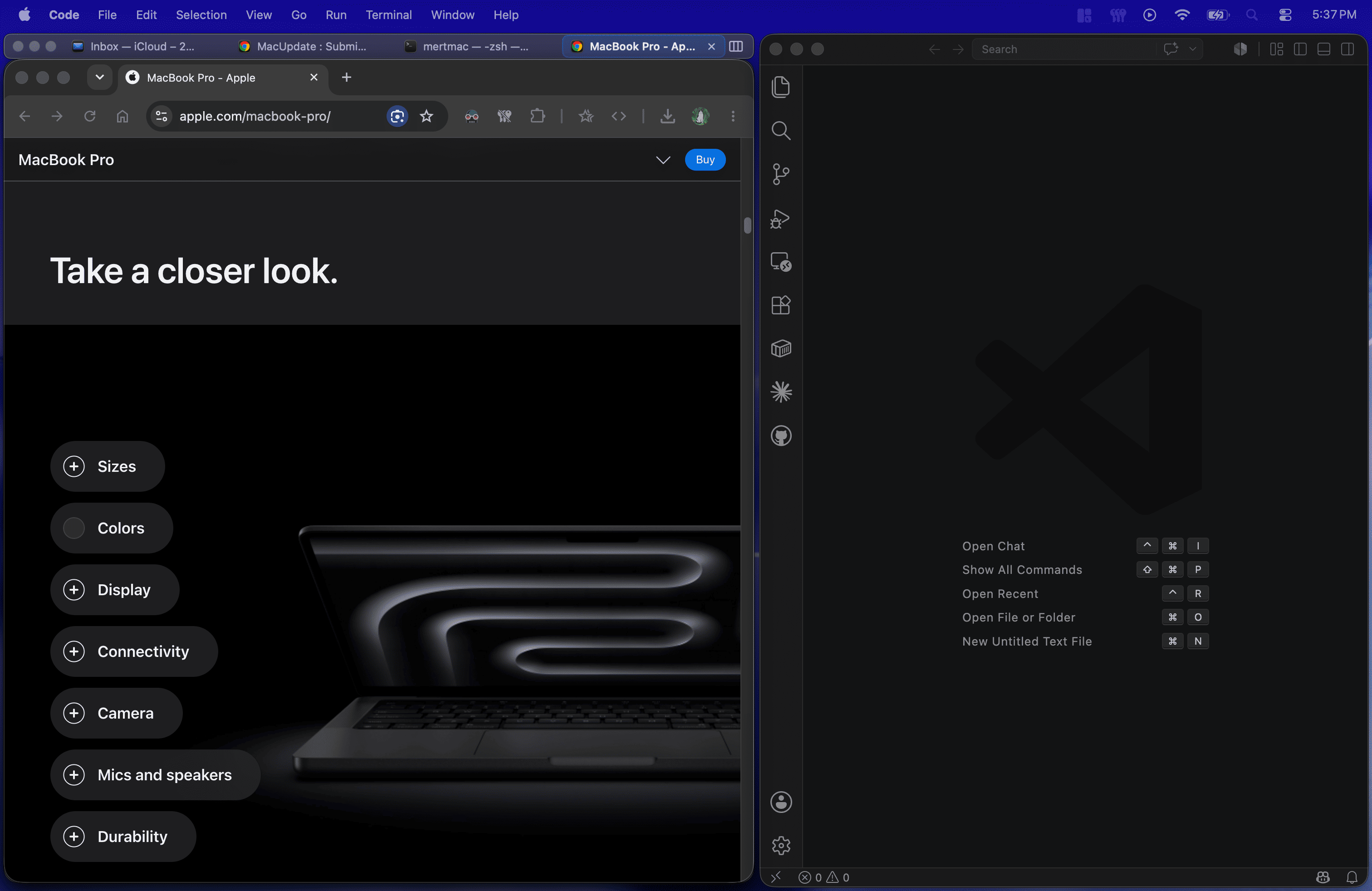
- **Drag-to-tile zones** — halves, quarters, and full screen, with adaptive tiling around neighbors.
- **Tile size cycling** — press the same tile shortcut repeatedly to cycle between half, two-thirds, and one-third sizes.
- **Coupled resize** — resize side-by-side windows together, with a live preview. Works with native macOS resize handles too.
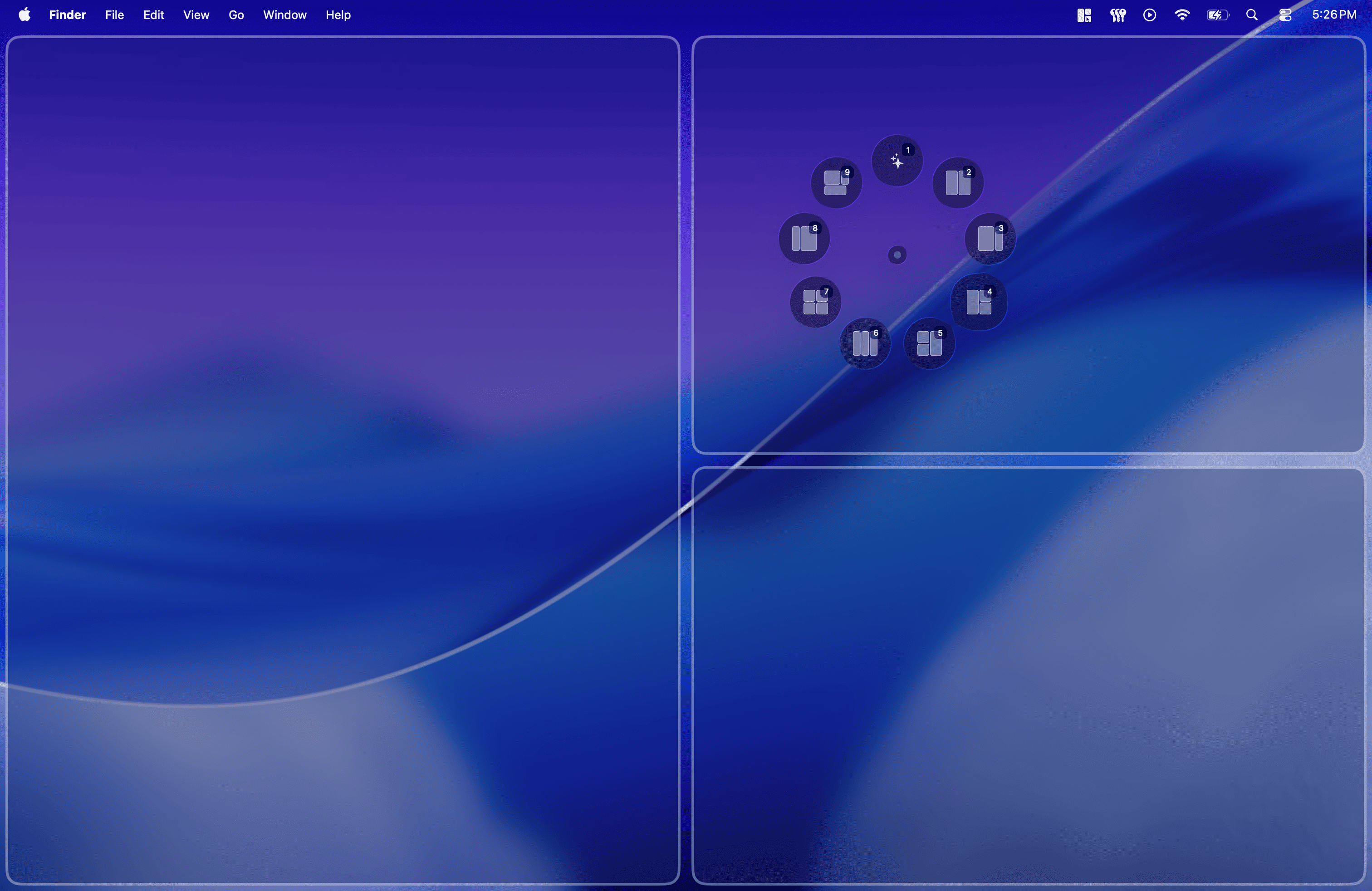
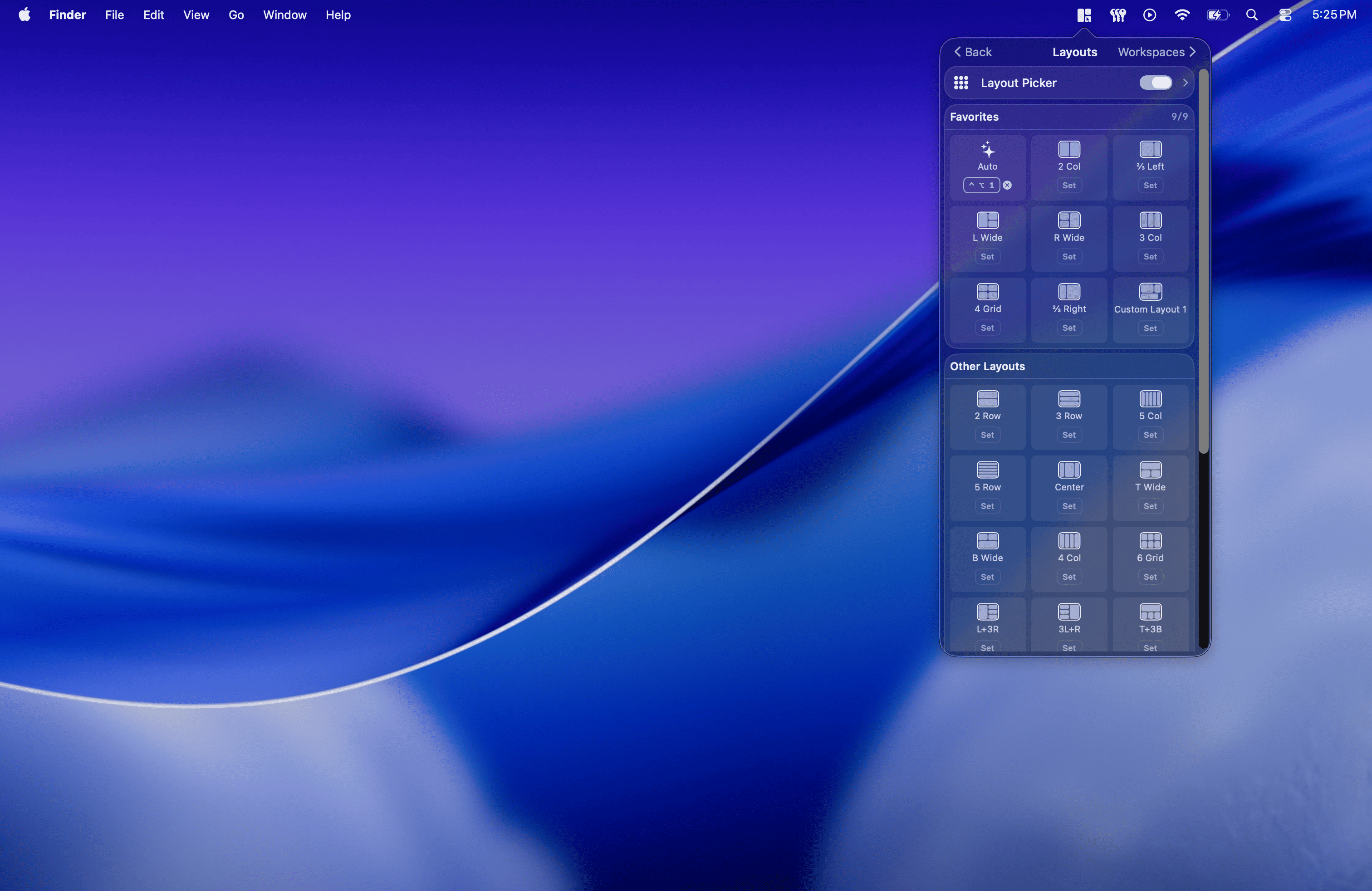
- **Layout Picker & custom layouts** — apply multi-window layouts from a radial picker, or draw your own.
- **Window Tabs** — group windows into a single tabbed frame with its own tab bar, traffic light controls, and drag-and-drop reordering.
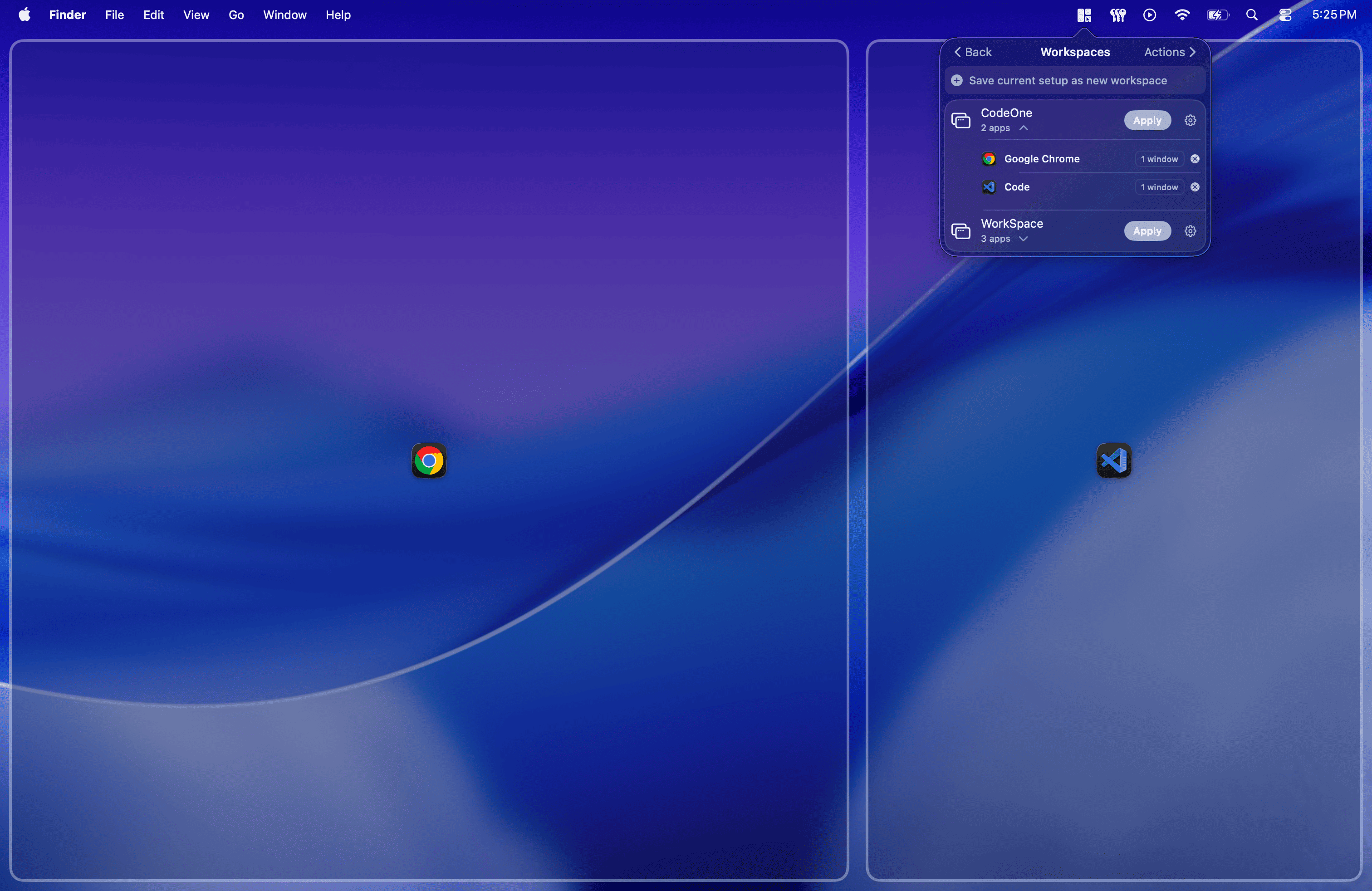
- **Workspaces** — capture your entire window arrangement and restore it later with a hotkey, even after a restart.
- **Throw to Zone** — flick a window in any direction to send it to the matching zone or display.
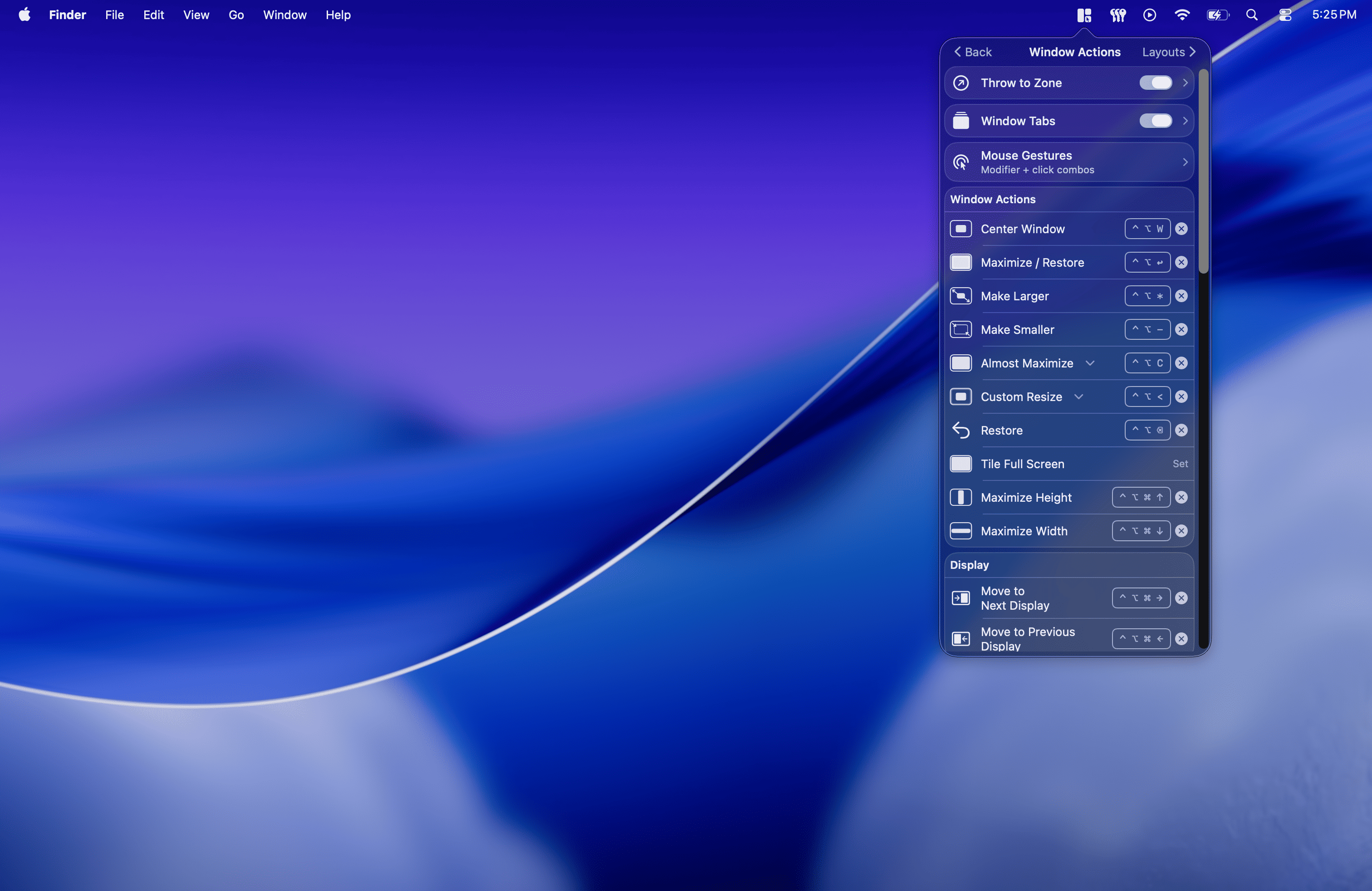
- **Global hotkeys** — keyboard shortcuts for tiling, centering, maximizing, layouts, and moving windows between displays.
- **Trackpad gestures** — trigger Throw to Zone and the Layout Picker with multi-finger clicks.
- **Native & fast** — pure Swift, Apple Silicon native, designed to stay out of your way in the menu bar.
Available in 10 languages. Core window management is free forever; advanced Pro features come with a 7-day trial and are unlocked via subscription or a one-time lifetime purchase.
Requires macOS 15 Sequoia or later and Accessibility permission.
Details
| Attribute | Value |
|---|---|
| Category | Productivity |
| Website | clickfitapp.com |
| Pricing | freemium |
| Author | MertO |
| Added | 2026-07-19 |
| Last updated | 2026-10-22 |
More in productivity
Browse all Mac apps
Abejas
Productivity
Your professional network. This time, it’s personal.

Atlas
PickProductivity
Native, local, and blazing fast inspiration library for macOS

Aureon
Productivity
Say what you need. Aureon routes it to your Mac apps.

AutoShelf
Productivity
A macOS app that watches your folders and moves files where they belong. Set a rule once and never think about it again.