

Screenshots

About this app
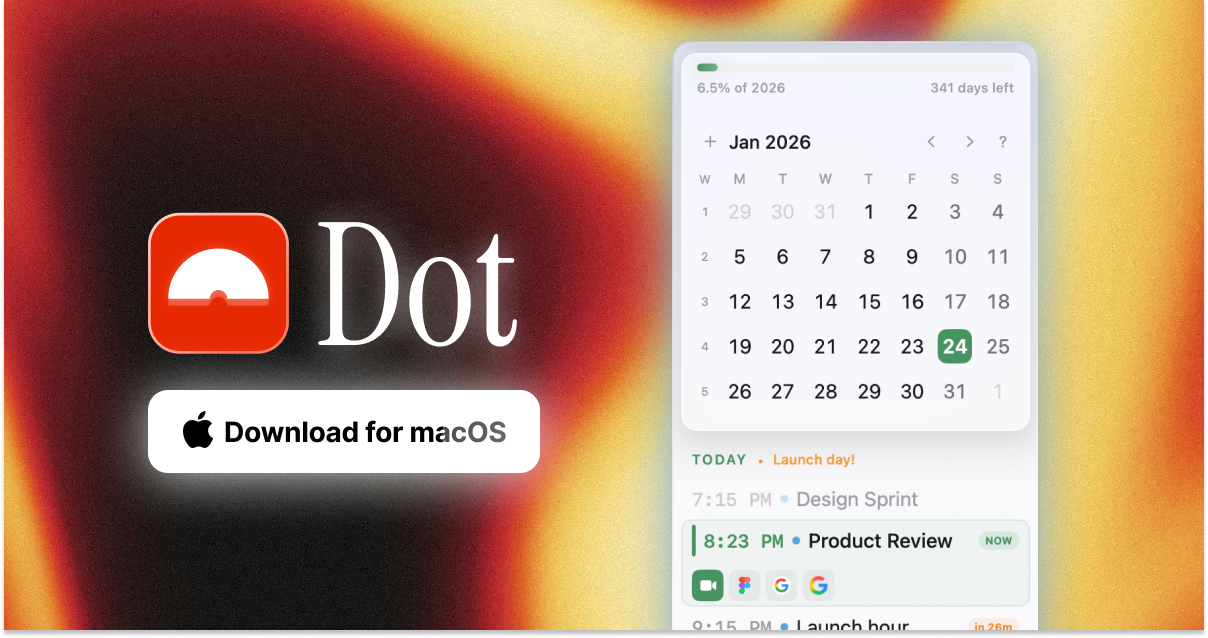
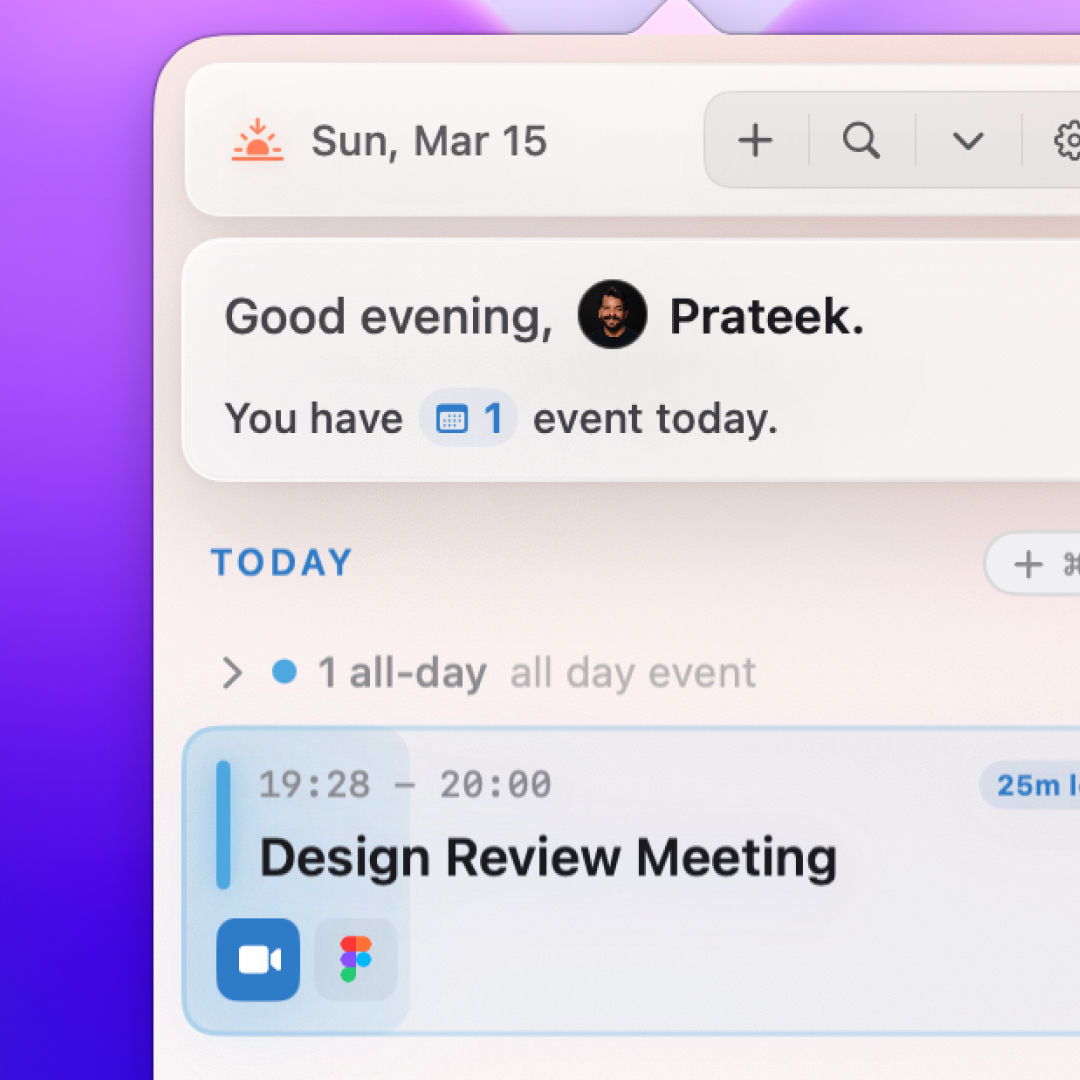
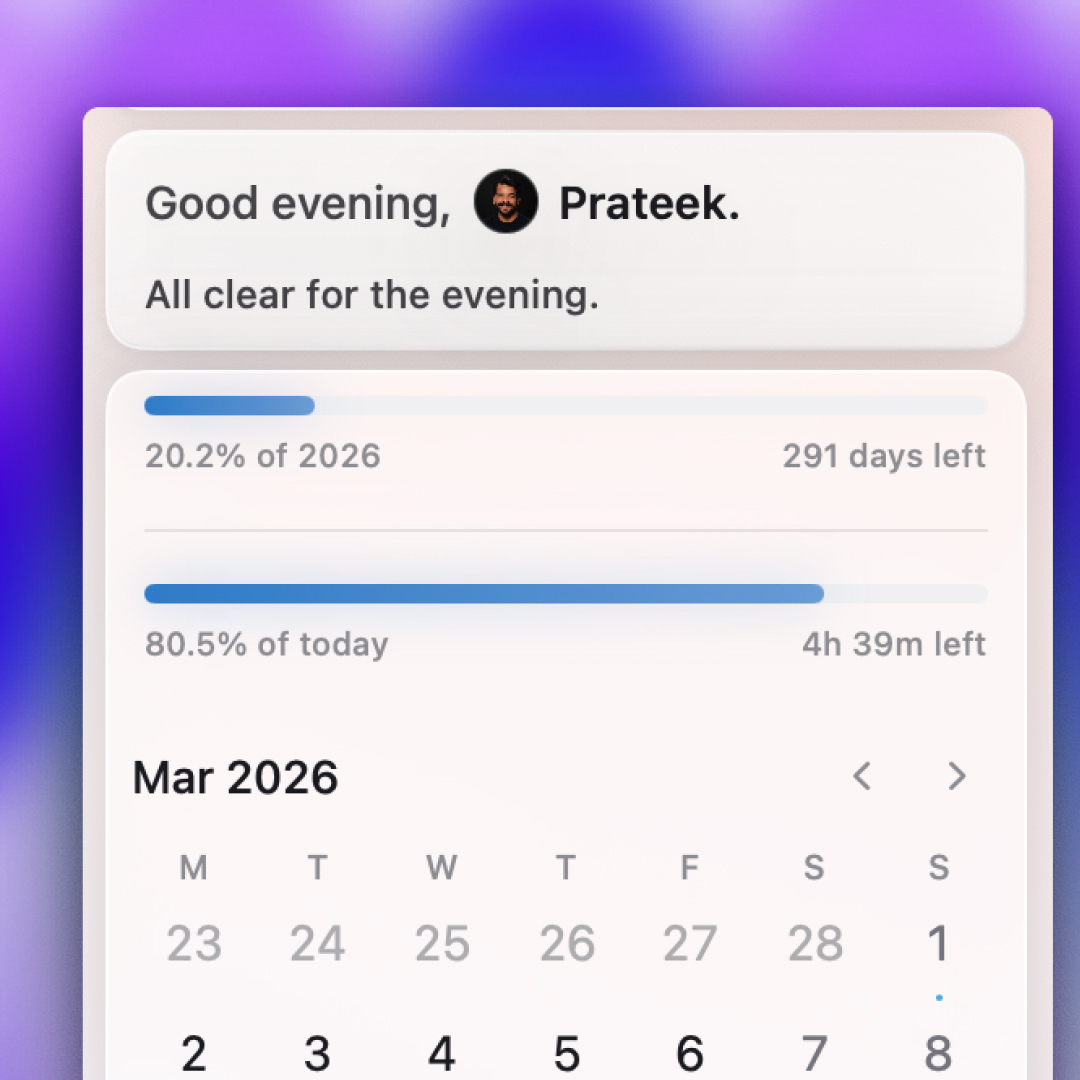
I built Dot because checking one meeting should not mean opening a full calendar app. Dot is a native macOS menu bar calendar for people whose workday runs through their calendar. Open it to see your month or week, today’s agenda, reminders, and what is coming next. Close it when you are done and get back to work.
Dot works with the calendars and reminders already connected to your Mac. You can:
- Create events by typing naturally, such as “Coffee with Sarah tomorrow at 3pm”
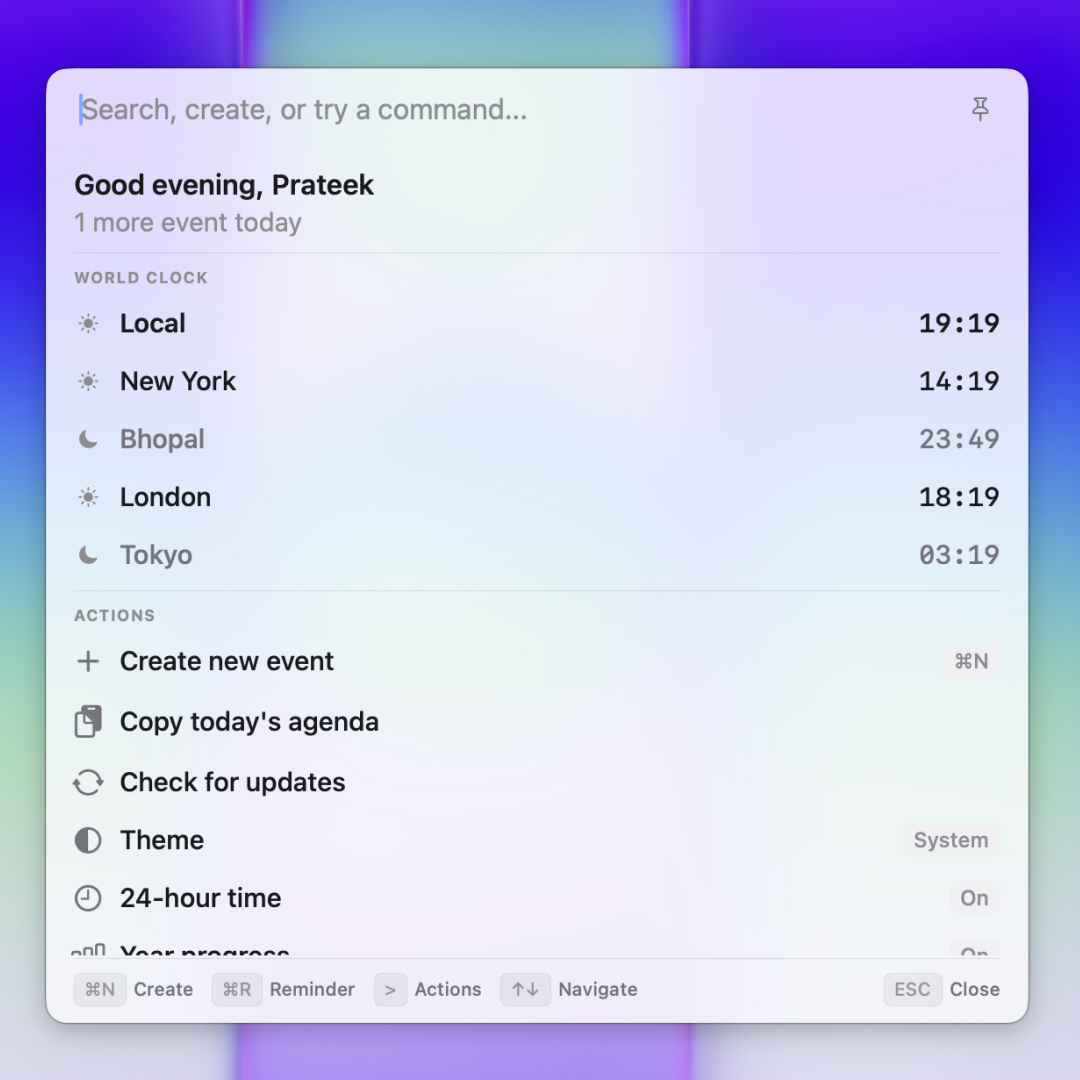
- Search events and reminders across your calendars
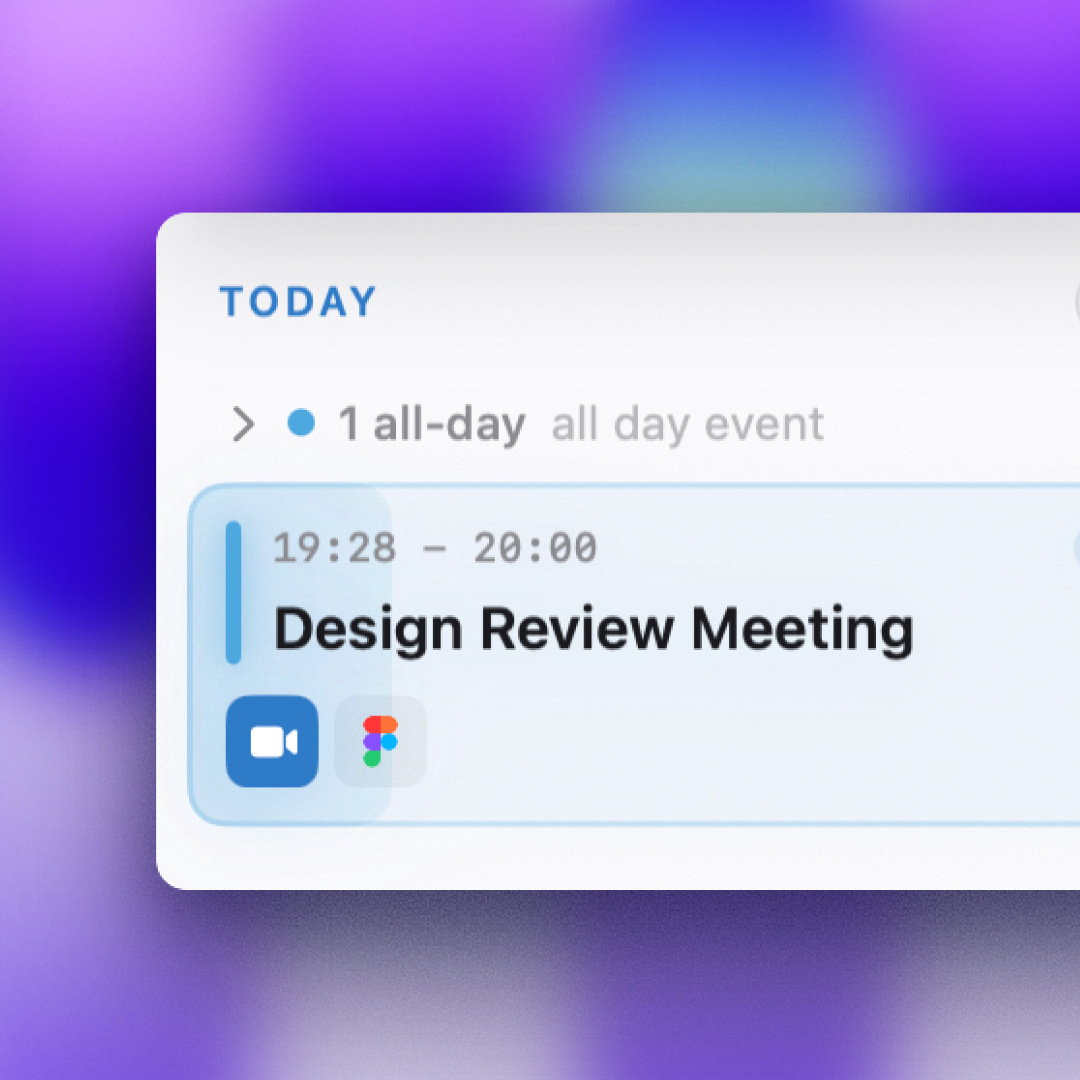
- See meeting details, attendees, notes, locations, and links
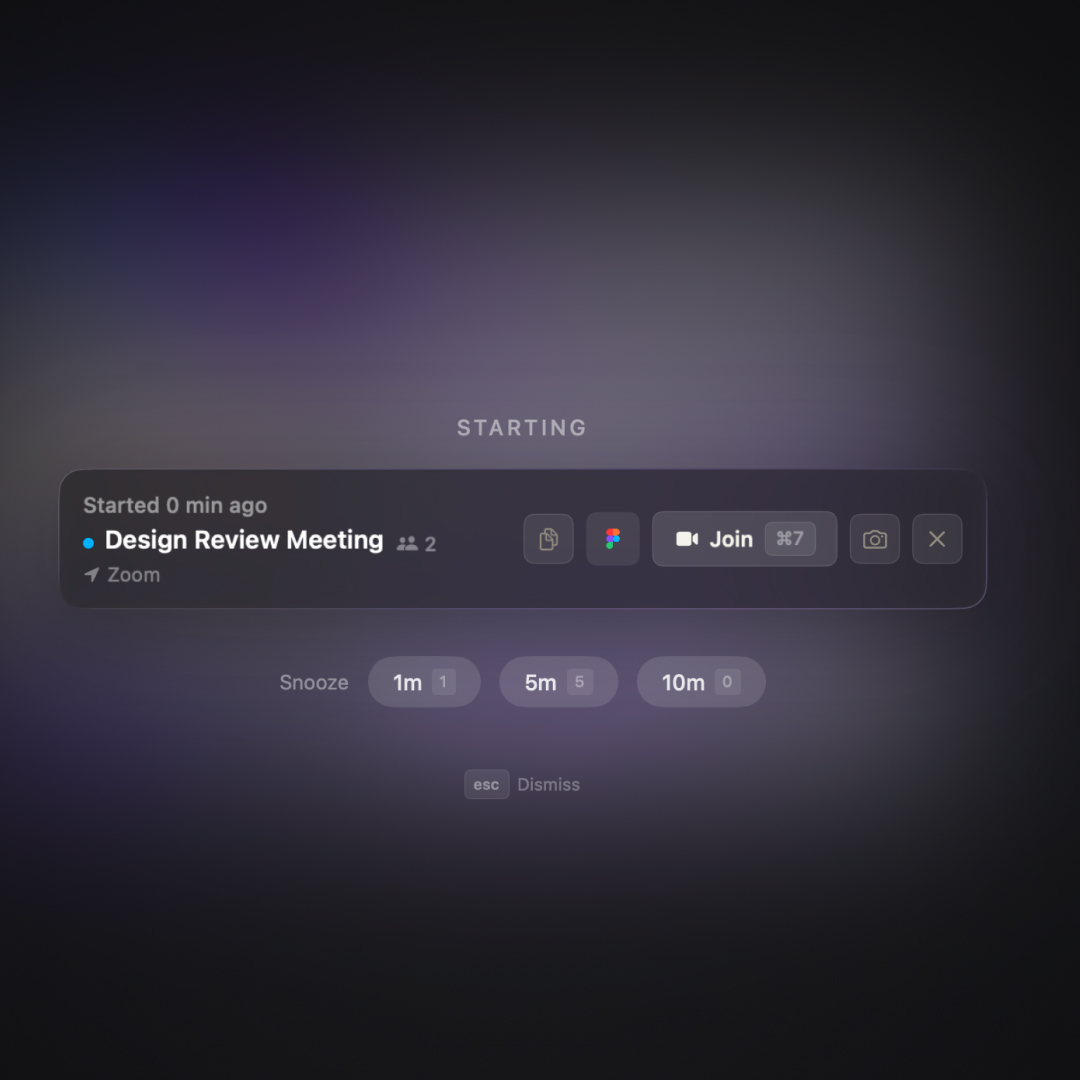
- Get floating or fullscreen reminders before video calls
- Join Zoom, Google Meet, Microsoft Teams, and Webex calls in one click
- Snooze meeting reminders when you need a little more time
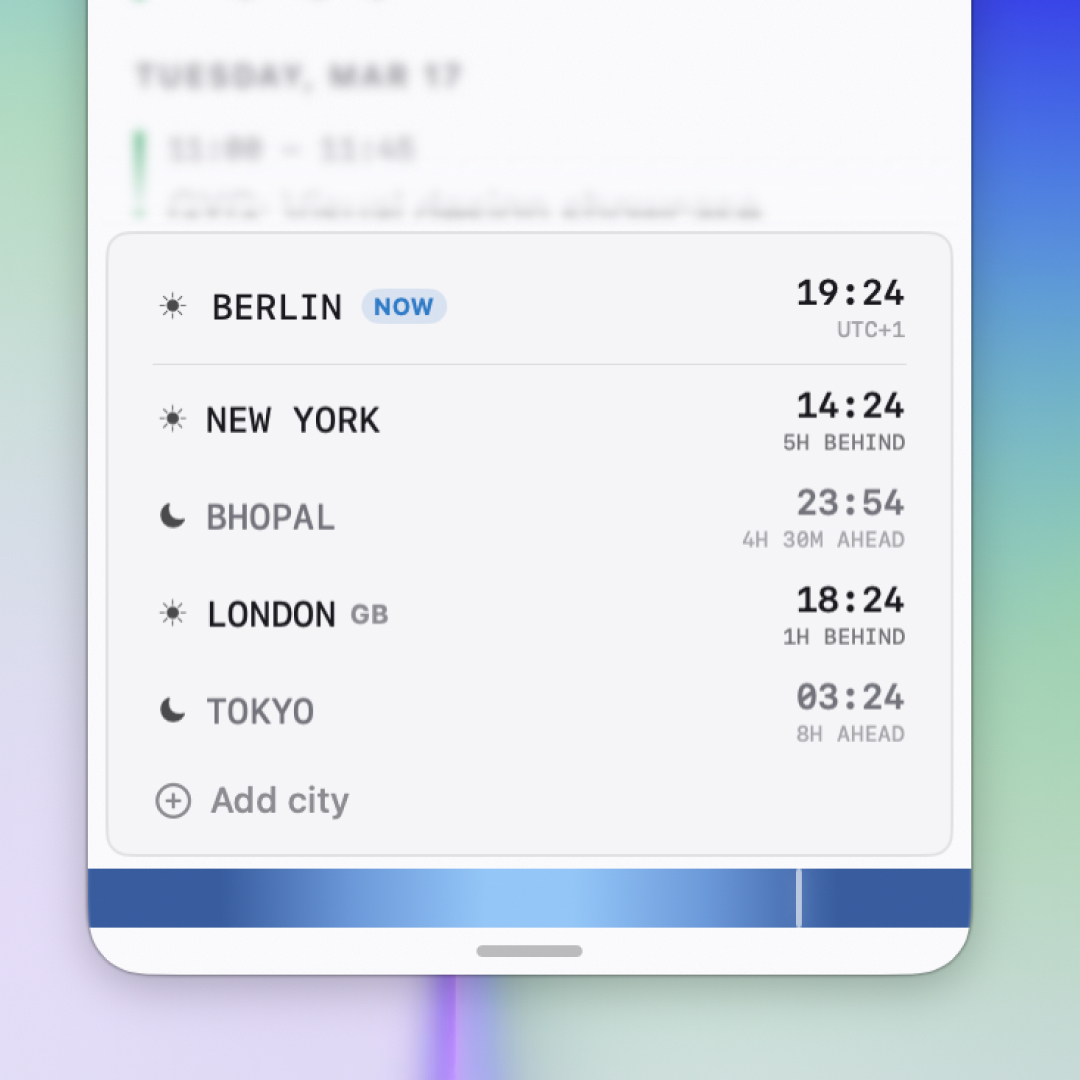
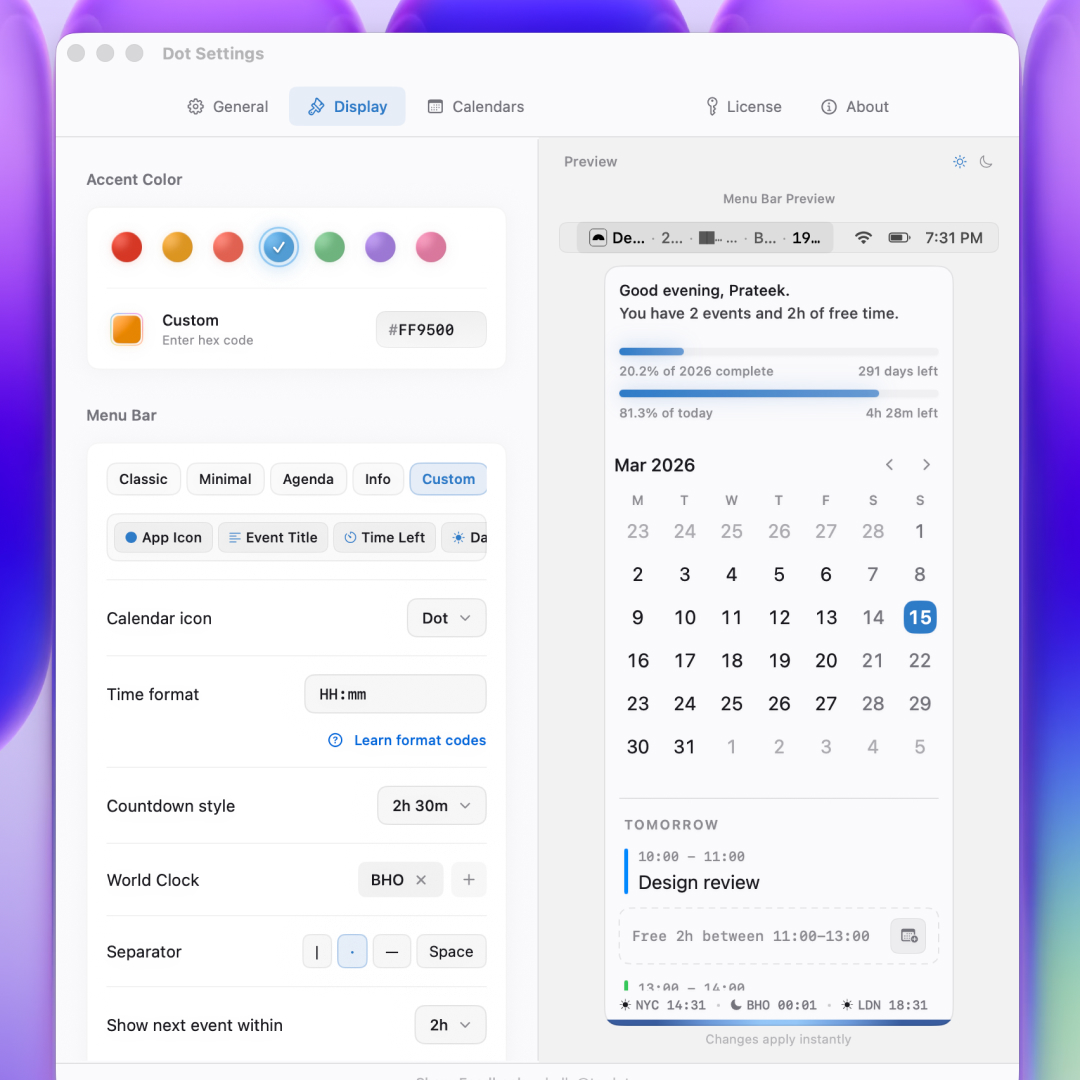
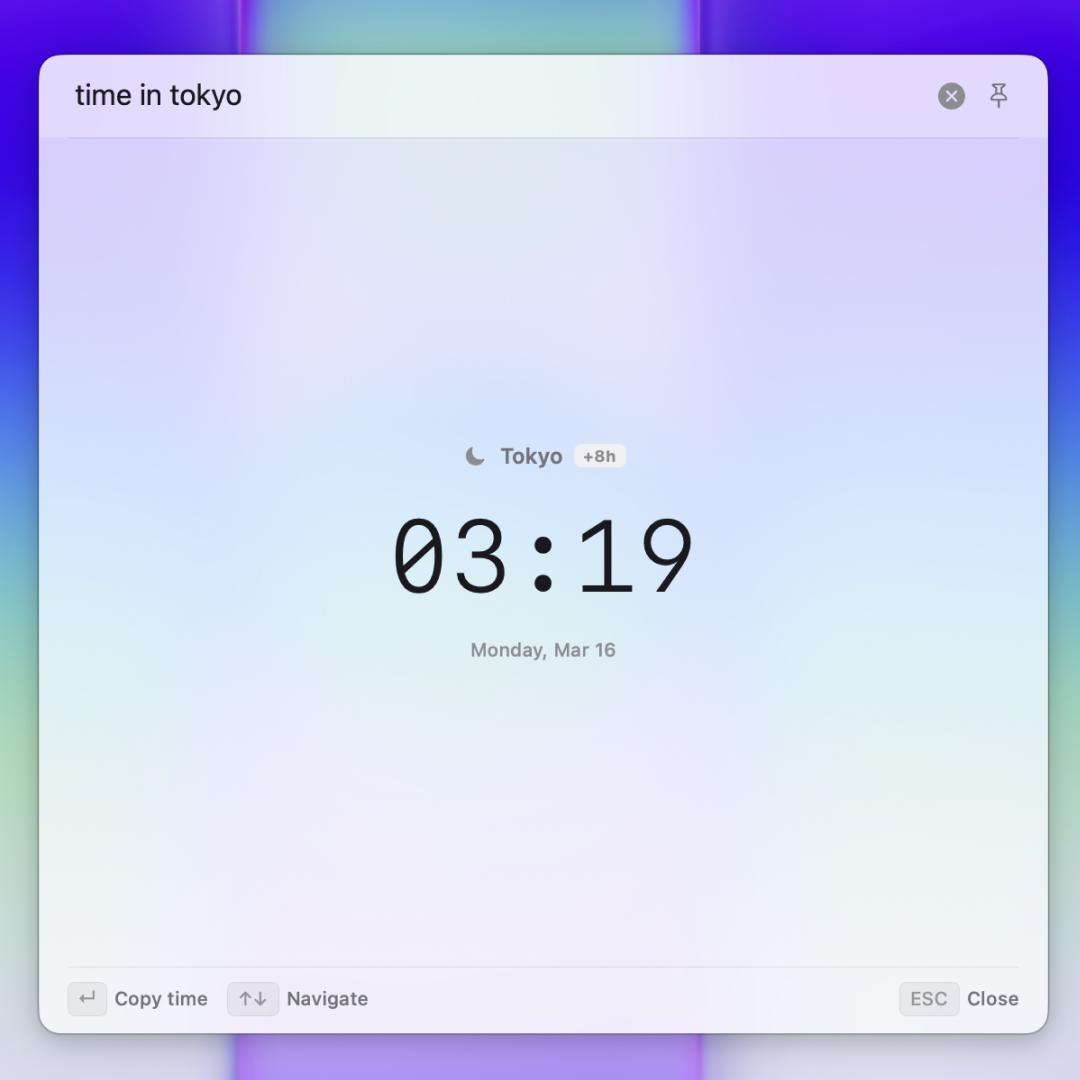
- Show your next event, countdown, date, or world clocks in the menu bar
- Choose which work and personal calendars appear
- Navigate quickly with keyboard shortcuts
Dot is built natively with SwiftUI and uses Apple’s calendar system. Your calendar data stays on your Mac. No account needed.
Available for macOS 13 and later, with a 14-day free trial.
"My main Mac calendar app." — David Pierce, The Verge "The menu bar calendar that's become my main calendar." — John Voorhees, MacStories
Details
| Attribute | Value |
|---|---|
| Category | Productivity |
| Website | trydot.app |
| Pricing | paid |
| Author | Prateek |
| Added | 2026-08-03 |
| Last updated | 2026-10-20 |
More in productivity
Browse all Mac apps
Abejas
Productivity
Your professional network. This time, it’s personal.

Atlas
PickProductivity
Native, local, and blazing fast inspiration library for macOS

Aureon
Productivity
Say what you need. Aureon routes it to your Mac apps.

AutoShelf
Productivity
A macOS app that watches your folders and moves files where they belong. Set a rule once and never think about it again.