Screenshots



About this app
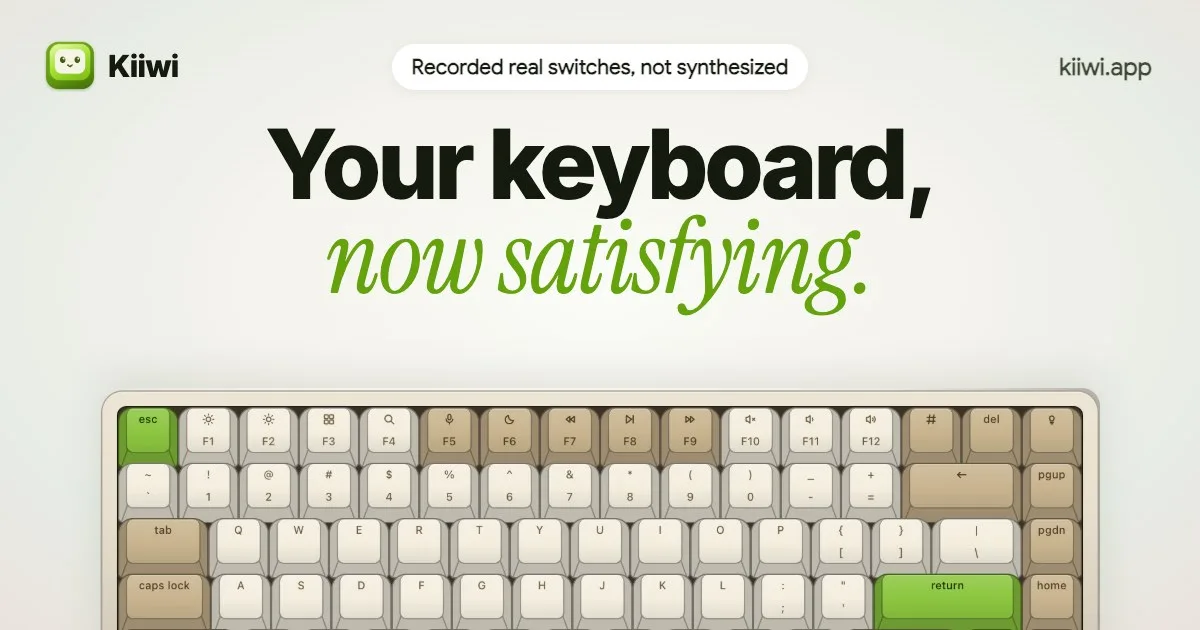
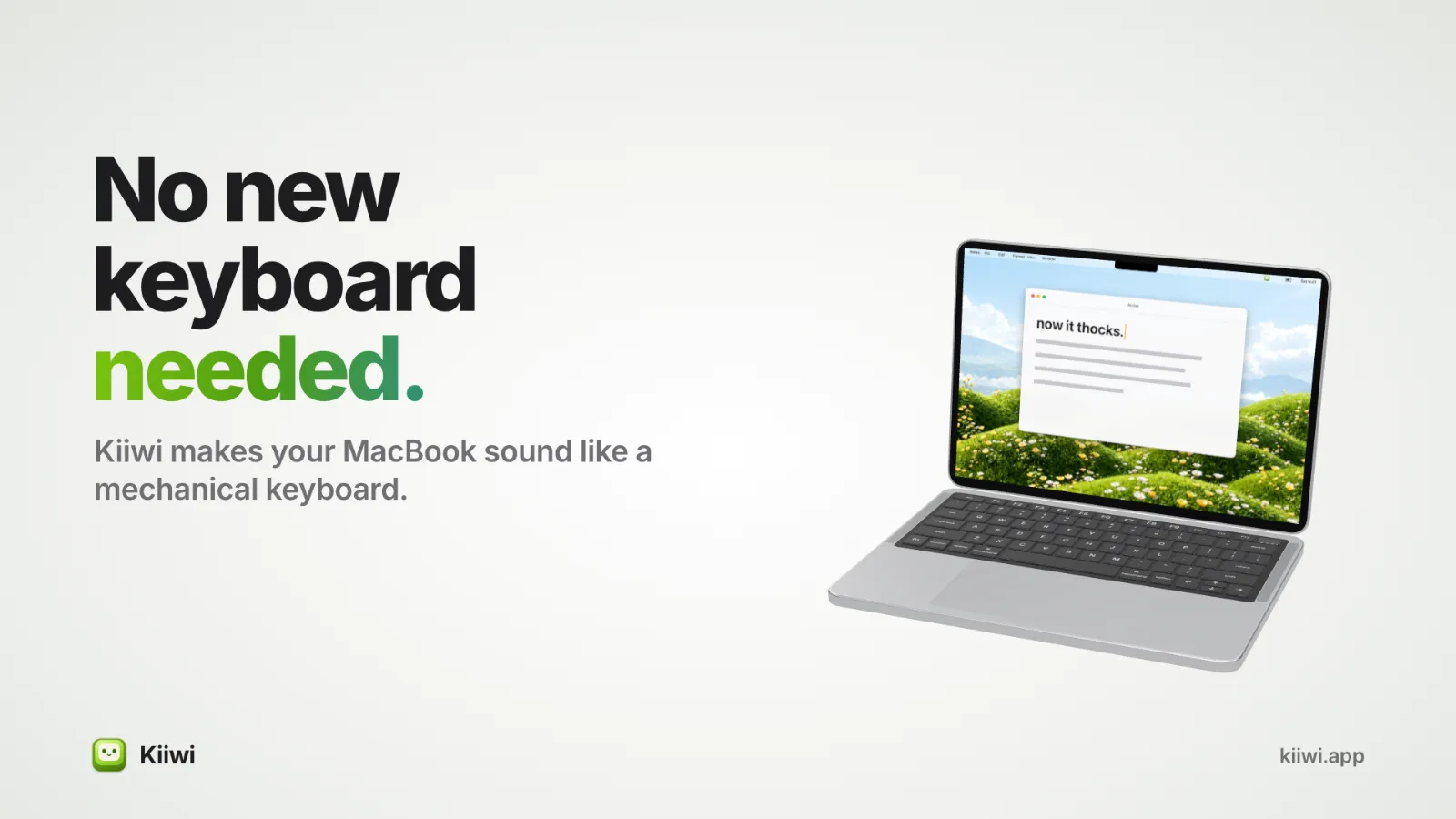
Kiiwi makes your Mac keyboard sound like a real mechanical one.
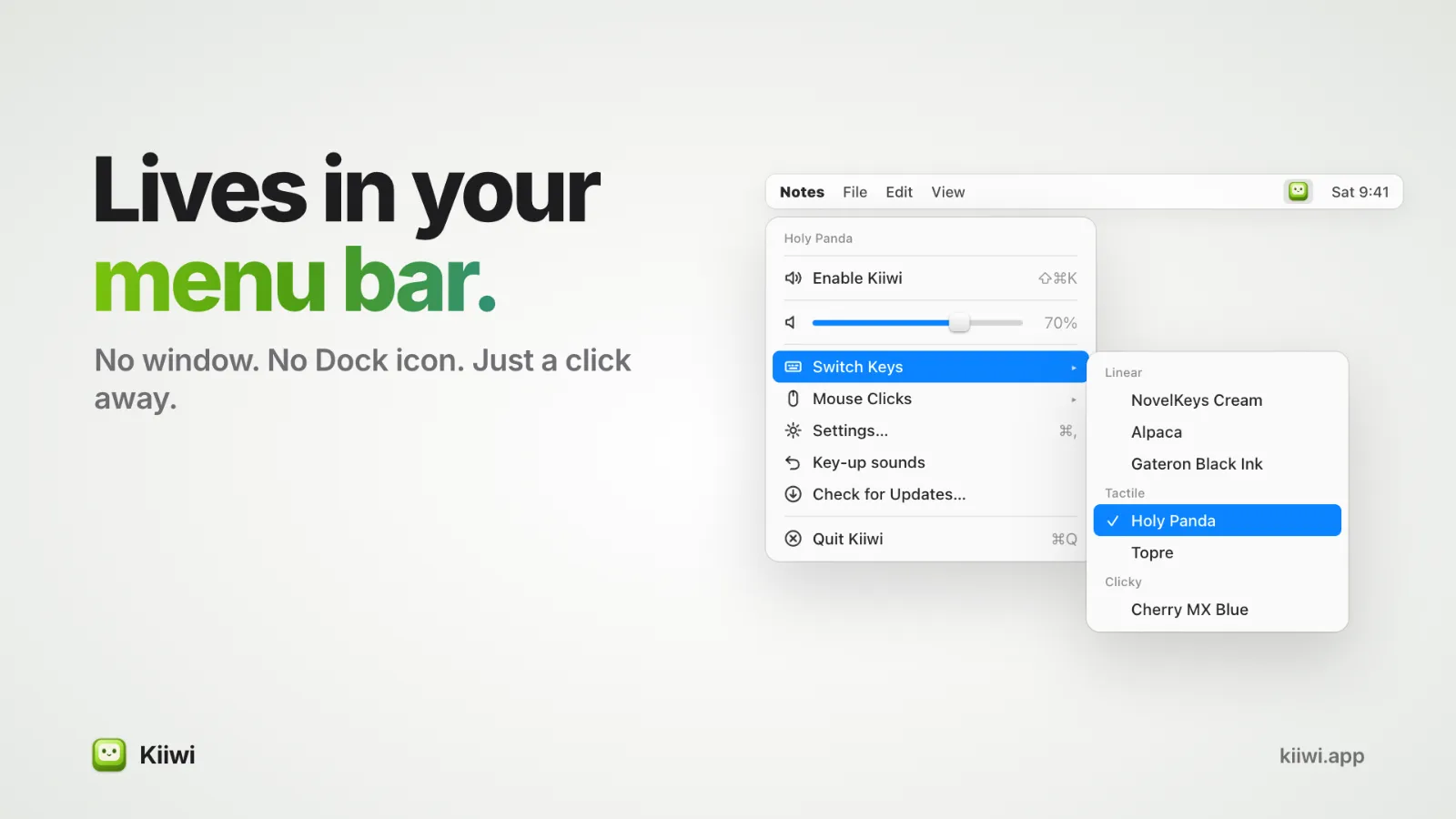
It's a small menu bar app with 38 real switch recordings, not synthesized sounds. Pick a switch and type anywhere: your editor, browser, Slack, Terminal, Spotlight.
Who it's for
People who love the sound of a mechanical keyboard but type on a MacBook, writers and developers who focus better with a little feedback under their fingers, and anyone curious how a Cherry MX Blue or a Holy Panda sounds before buying one.
Why it sounds right
I built Kiiwi because every keyboard sound app I tried felt slightly off. One pack had 60 milliseconds of near silence before every key, and you hear that as lag. So:
- No lag. Every sample is trimmed so the sound lands with your finger.
- Recorded row by row. The number, top, home and bottom rows each have their own samples, like a real board.
- Placed by key position. Q comes from the left, P from the right. Best on headphones.
- Never the same twice. Five pitch variants of every sample, picked fresh on each keystroke.
- Grouped by feel: Linear, Tactile and Clicky, with the switch name always shown.
More than the keyboard
- 8 mouse click packs and scroll wheel ticks
- Typing stats: daily keys, streaks, best WPM, and a weekly share card
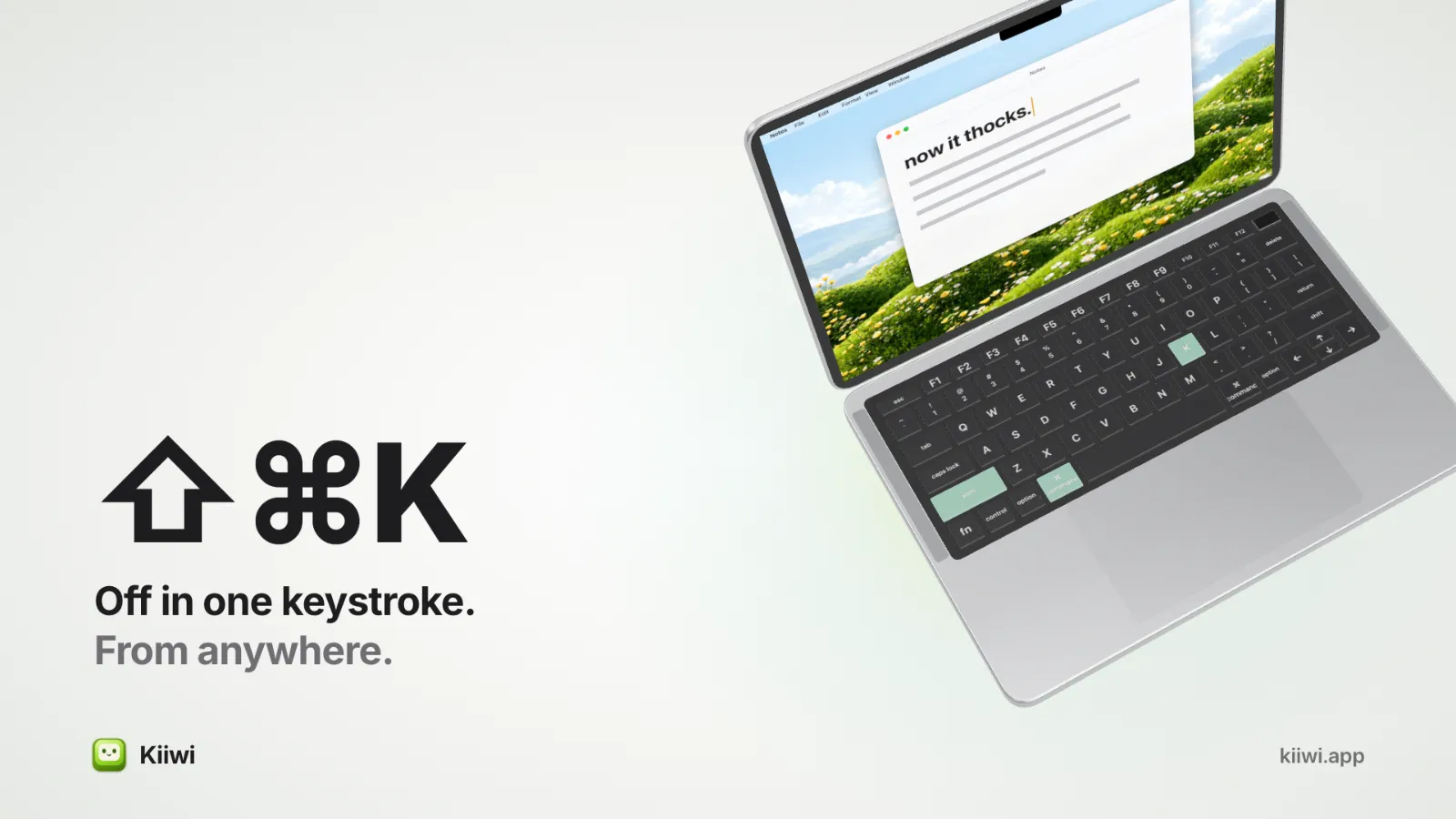
- ⇧⌘K mutes it from anywhere, for calls and recordings
Private and light
Kiiwi knows a key moved, never what you typed. Stats stay on your Mac. It uses 0% CPU when idle and runs on Apple silicon and Intel, macOS 14 or later.
One-time price, no subscription, on up to 2 Macs. Hear every switch in your browser at [Kiiwi.app](https://kiiwi.app)
Details
| Attribute | Value |
|---|---|
| Category | Utility |
| Website | kiiwi.app |
| Pricing | paid |
| Author | Tamil Iniyan |
| Added | 2026-10-05 |
| Last updated | 2026-10-17 |