

Screenshots

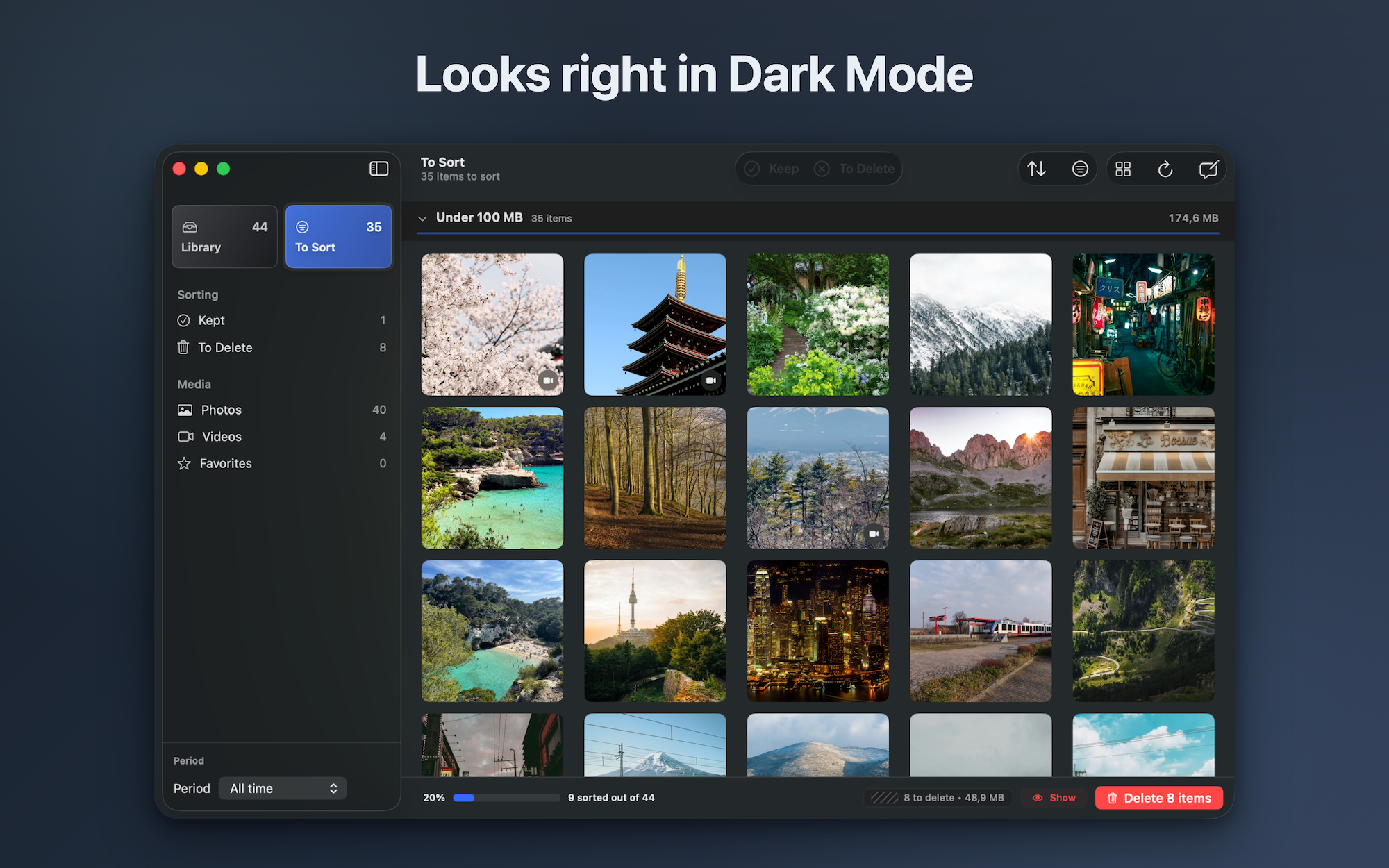
About this app
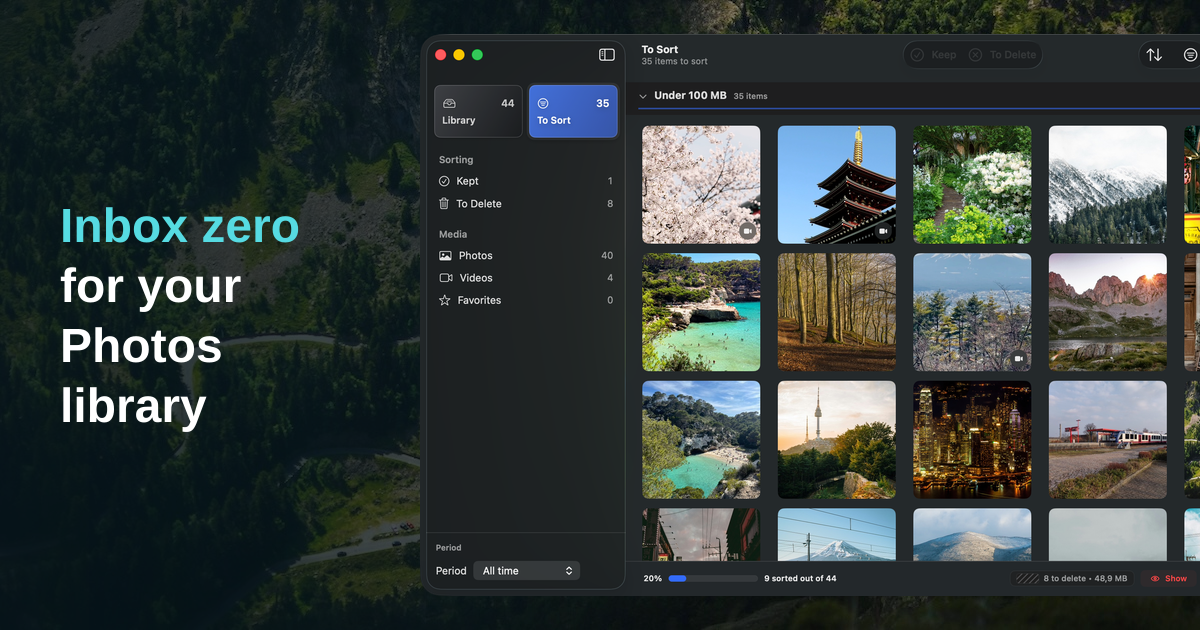
Apple Photos is where your library lives. LightRoll is where you clean it up.
It gives Mac users a focused place to review photos and videos one at a time, keep what matters, and mark the rest without rushing into automatic deletion.
# What LightRoll helps you do
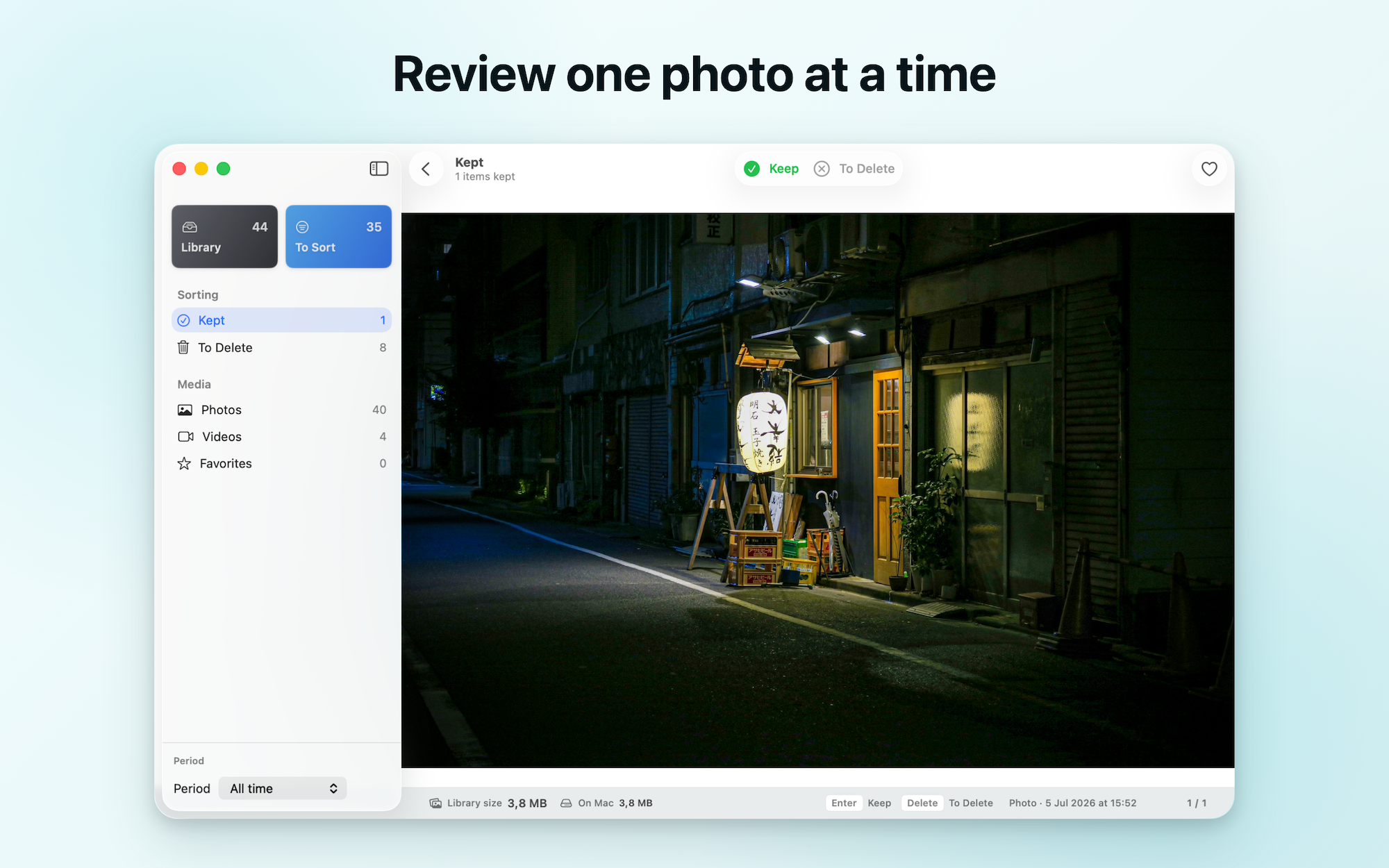
- Review photos and videos one at a time
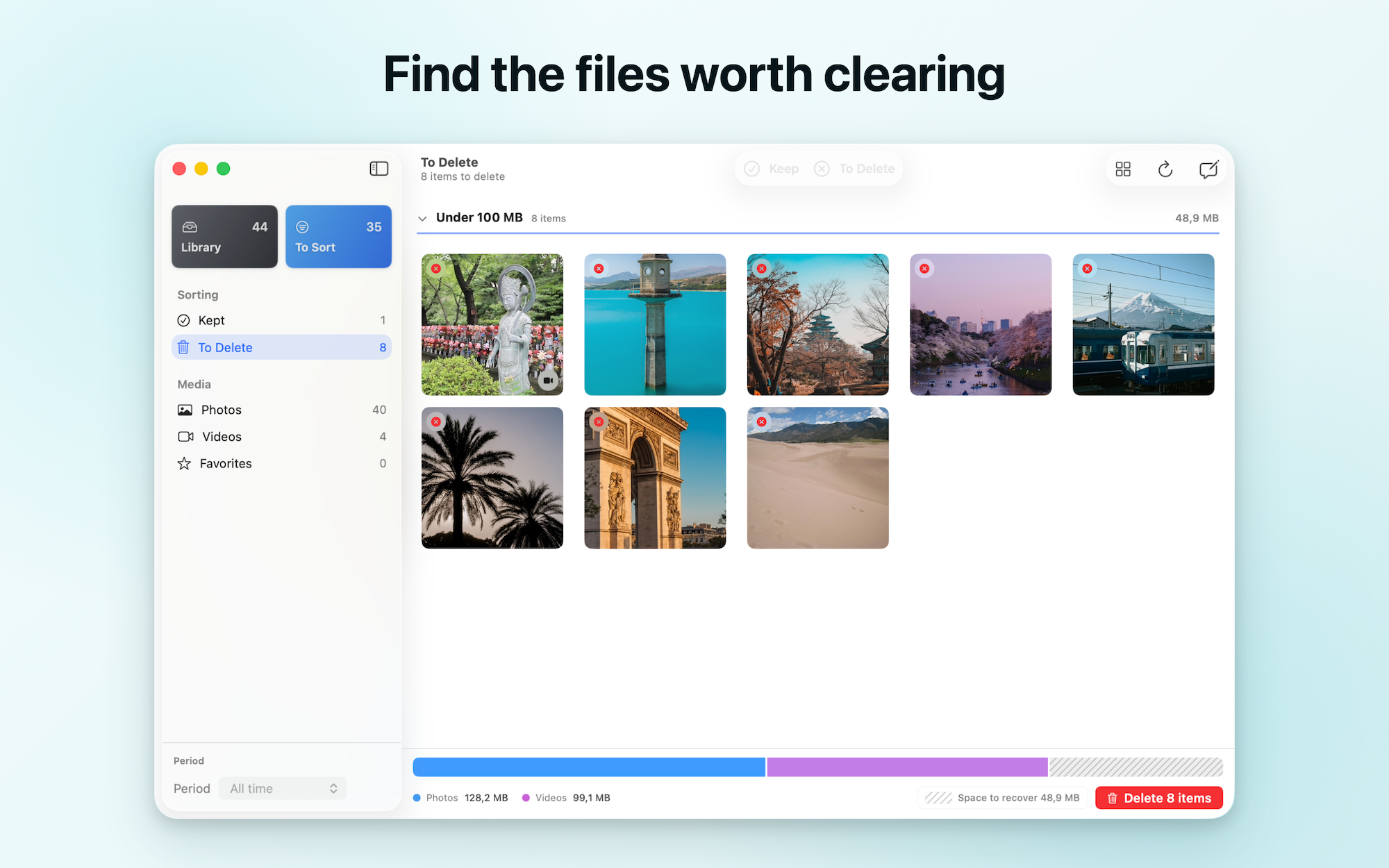
- Sort by size to find large files first
- Keep meaningful memories and mark cleanup candidates
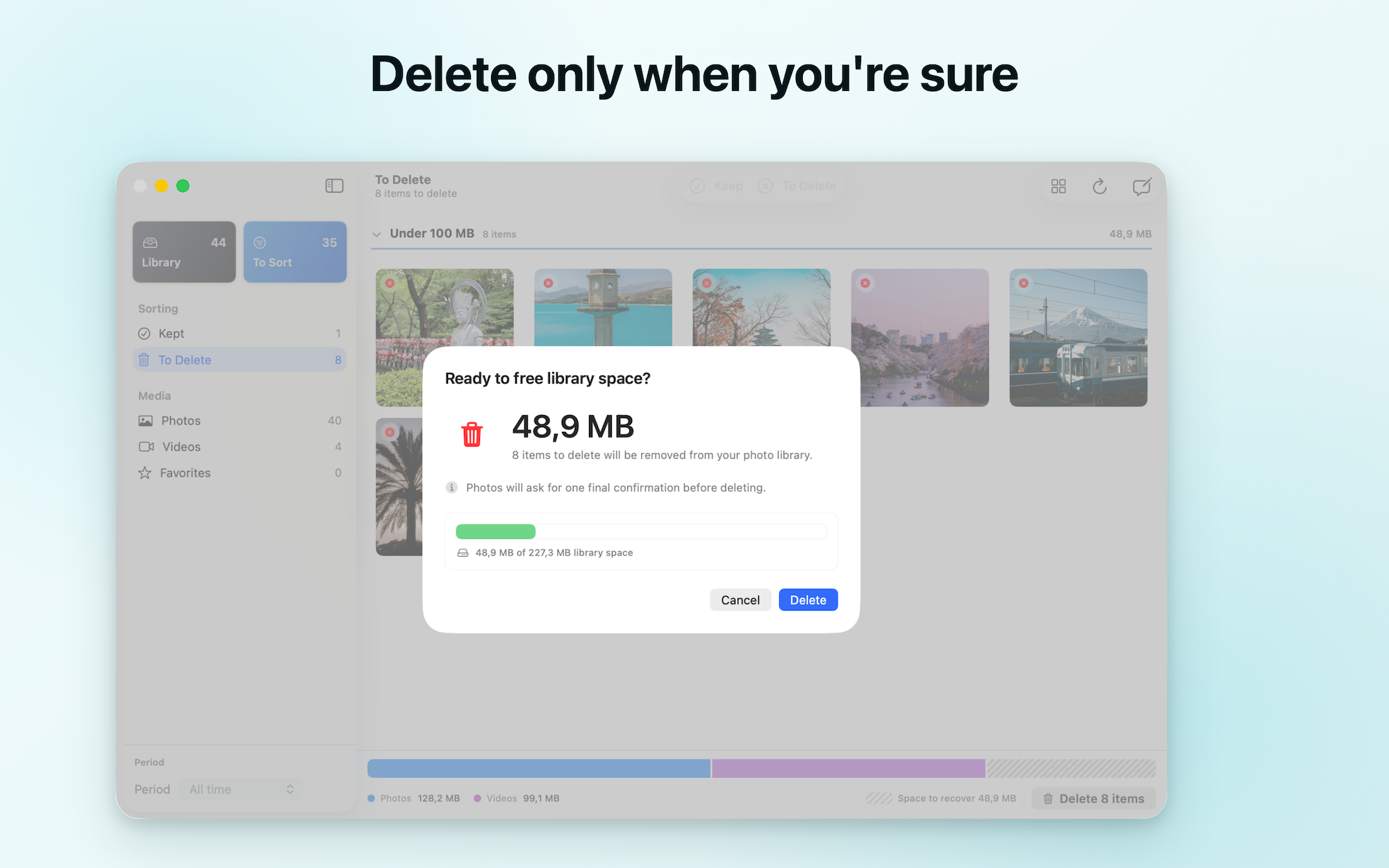
- Review the complete batch before confirming deletion
- Move through repeated decisions with keyboard controls
# How it works
- Open your Apple Photos library in LightRoll.
- Review each item and choose keep or mark for deletion.
- Sort by size whenever storage is the priority.
- Inspect the complete batch, then confirm when you are ready.
# Built differently
LightRoll is not an automatic cleaner that decides which memories should go. It keeps the decision with you and separates marking from final deletion confirmation.
# Private by design Photo analysis stays on your Mac. LightRoll does not upload photos, videos, filenames, or library contents, and it does not require an account.
Details
| Attribute | Value |
|---|---|
| Category | Photography |
| Website | lightrollapp.com |
| Pricing | paid |
| Author | Florent |
| Added | 2026-08-04 |
| Last updated | 2026-10-20 |
More in photography
Browse all Mac apps
FocusOS
Photography
Focus on what matters most, save billable time.

GearDex
Photography
Camera kit inventory with serials, values, receipts, and shoot plans.

HiPixel
Photography
Native AI image upscaling for macOS, free and open source.

ScreenLex
Photography
screenlex is a screenshot application that focuses on privac