

Screenshots
About this app
Your busywork, down to one keystroke
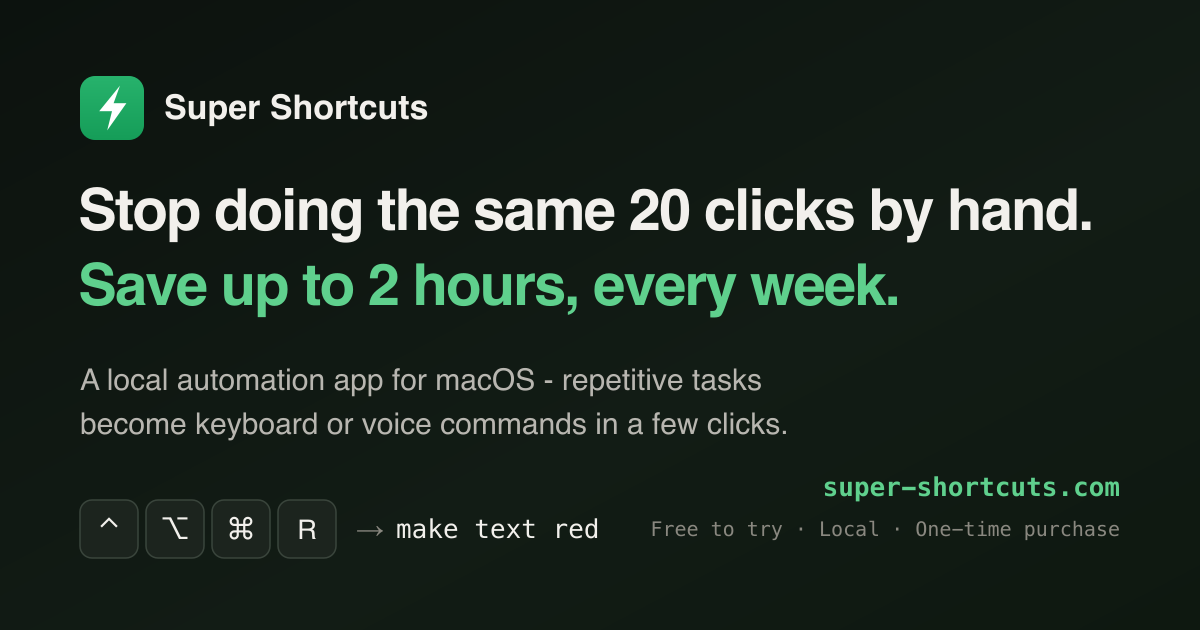
**Super Shortcuts** is a local automation app for macOS. It turns the tasks you repeat all day — menu-diving to format text, retyping the same replies, rebuilding the same window layout — into commands you fire with a keyboard chord or your voice. Setup takes a few clicks, not code: pick a trigger, stack the steps, and it's a one-keystroke command from then on.
Built for **developers, marketers, accountants, and anyone tired of doing the same 20 clicks by hand**, it can save you up to 2 hours every week.
Features
- **Context-aware triggers** — the same chord does the right thing depending on the app, the website, or the window you're in
- **Hyper-key cheat sheet** — hold one key to see everything bound right now, drawn over your keyboard
- **Voice control** — run any command hands-free, transcribed on-device and never sent anywhere
- **Steps, not scripts** — press keys, click any button or menu, type text, open apps and URLs, chain it all into one command
- **Time-saved dashboard** — the home screen counts the hours you get back, week over week
- **100% local** — no account, works offline, ~16 MB, Apple Silicon & Intel, macOS 12+
Pricing
One-time purchase, no subscription. Free up to 20 workflows; Pro is **$39** at launch ($49 after) with a 14-day trial and a 30-day money-back guarantee.
Details
| Attribute | Value |
|---|---|
| Category | Productivity |
| Website | super-shortcuts.com |
| Pricing | freemium |
| Author | Mike Le |
| Added | 2026-07-15 |
| Last updated | 2026-10-16 |
More in productivity
Browse all Mac apps
Abejas
Productivity
Your professional network. This time, it’s personal.

Atlas
PickProductivity
Native, local, and blazing fast inspiration library for macOS

Aureon
Productivity
Say what you need. Aureon routes it to your Mac apps.

AutoShelf
Productivity
A macOS app that watches your folders and moves files where they belong. Set a rule once and never think about it again.