
Screenshots
About this app
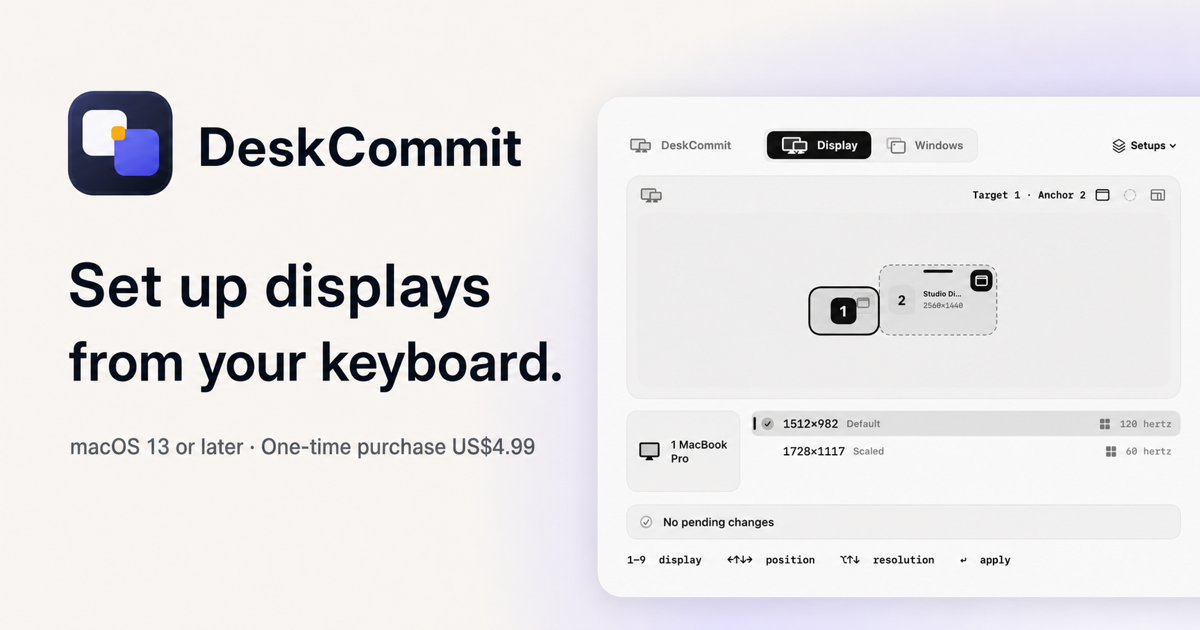
DeskCommit is a native macOS menu bar app for people who regularly connect, rearrange, or tune external displays.
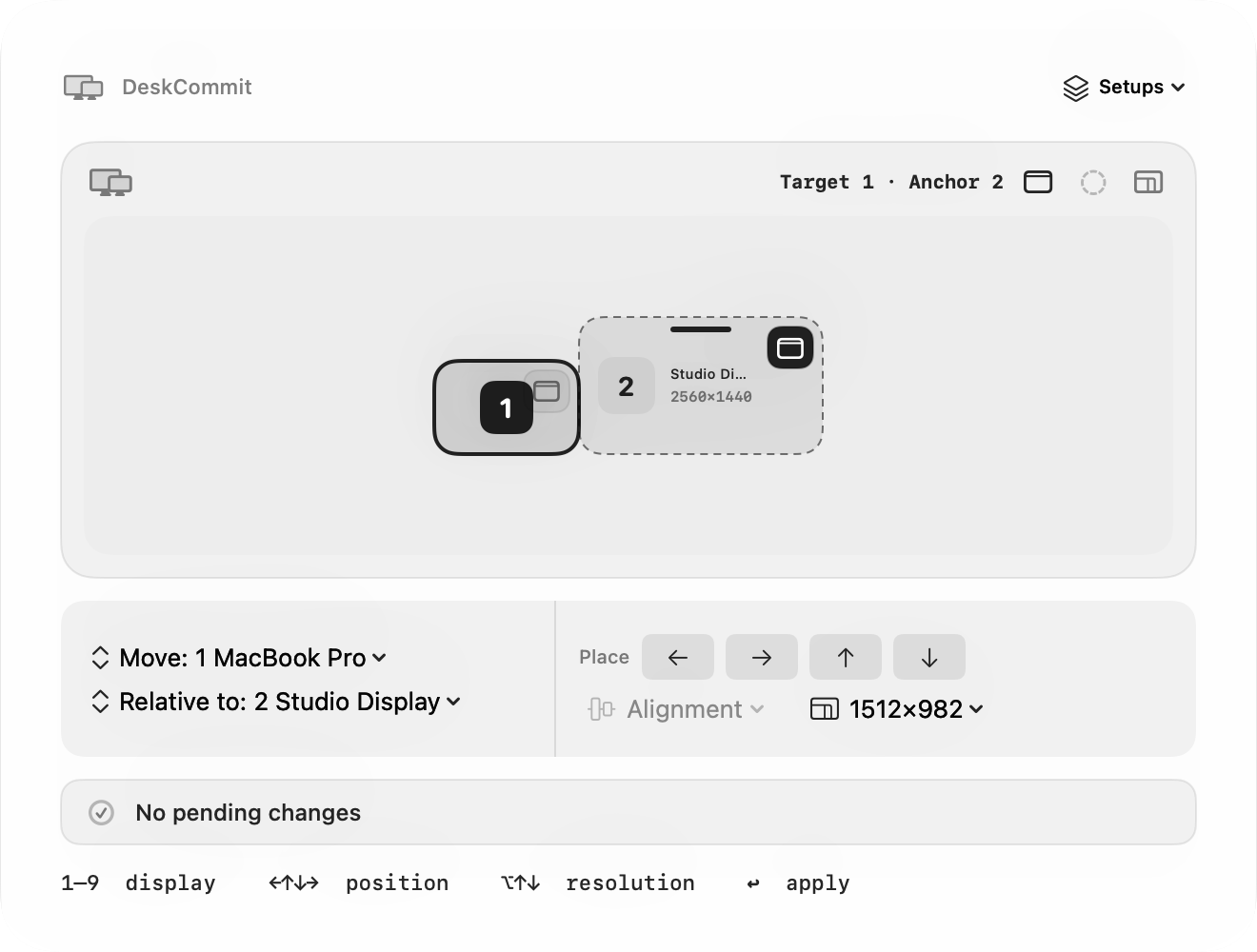
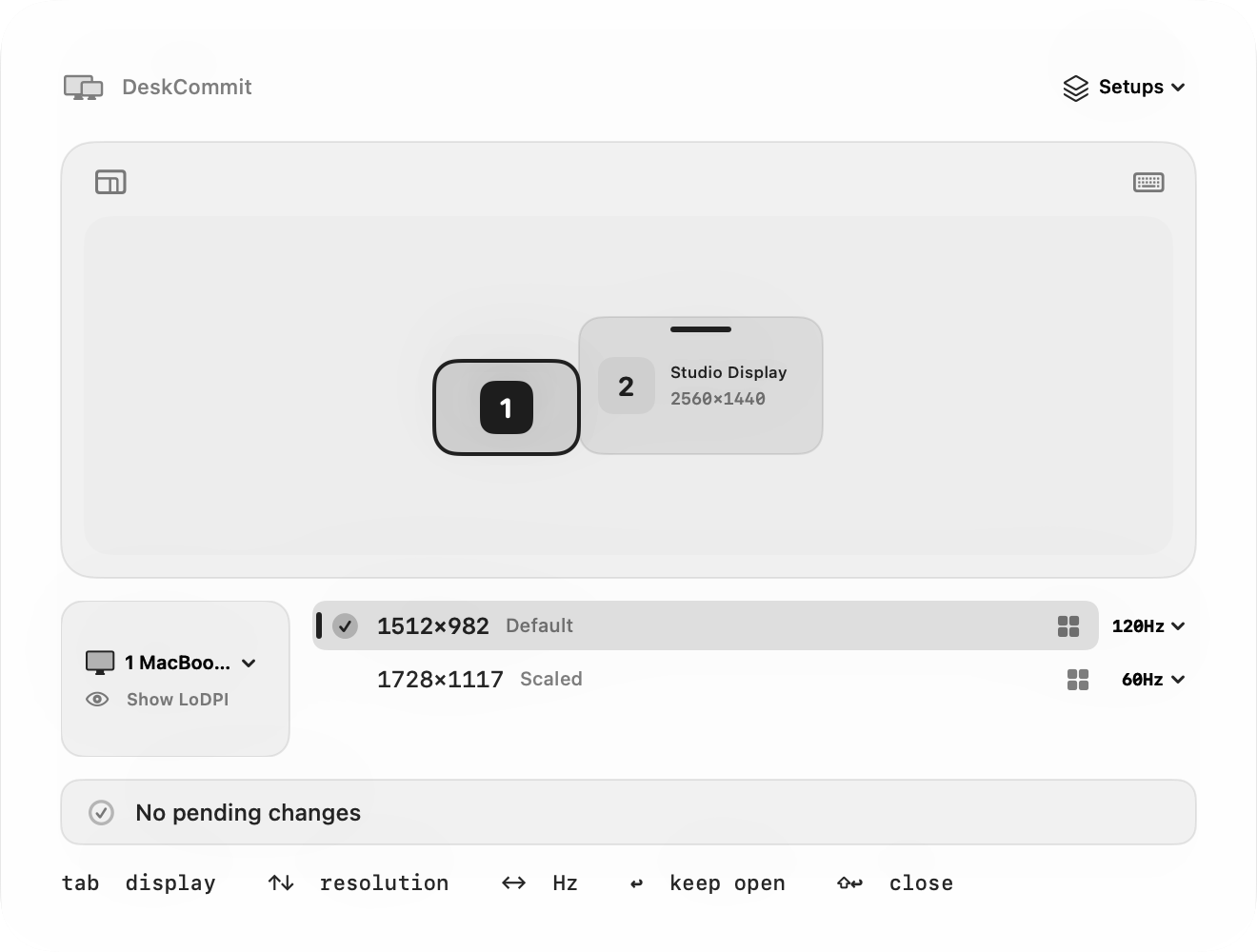
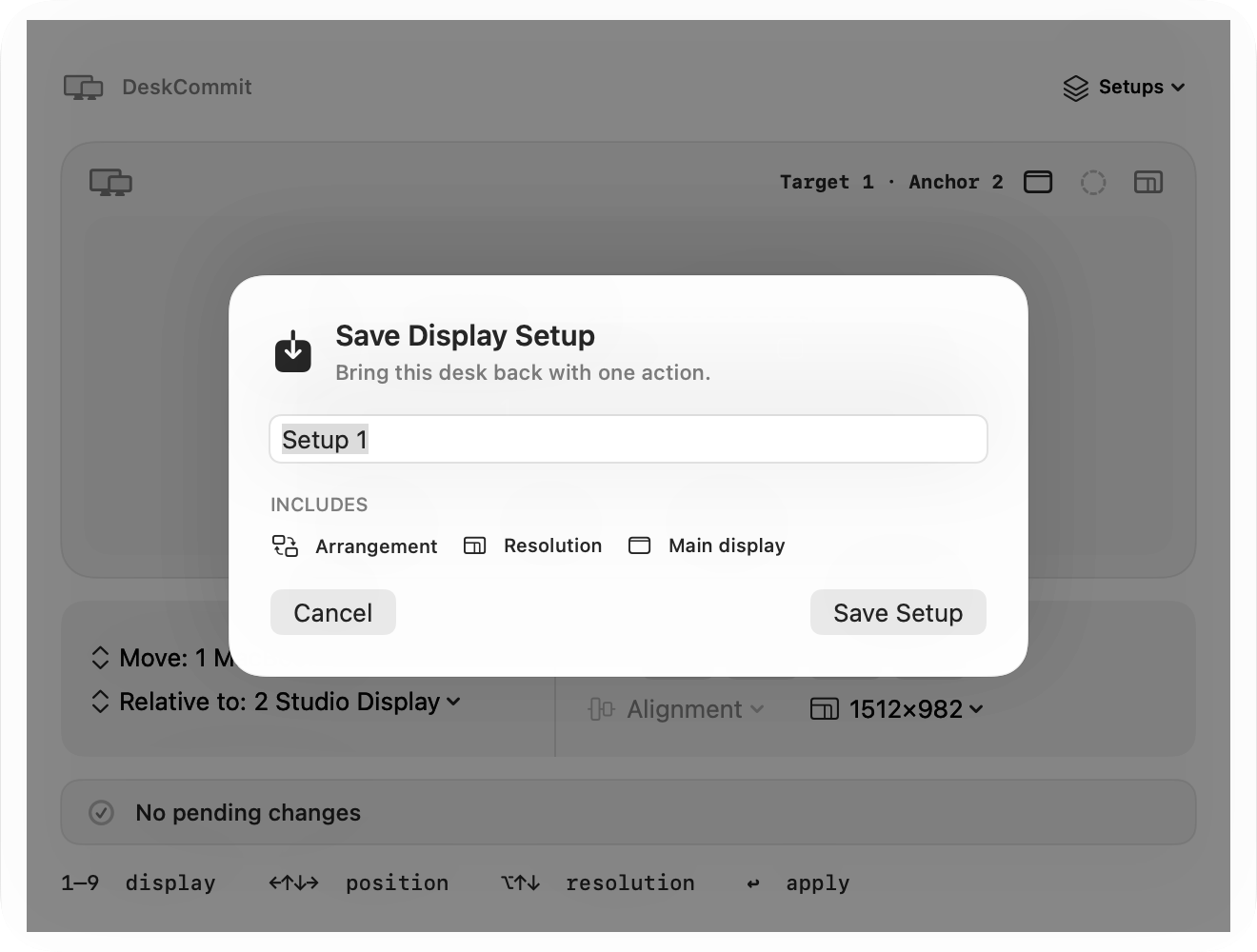
Press Control–Shift–D to open one keyboard-first palette for: - Display arrangement and the main display - Resolution and refresh rate - Default, best HiDPI, or highest-refresh choices across displays - Saving and manually restoring matching display setups
Pending changes can be previewed before applying. Low-resolution changes revert after 15 seconds unless confirmed, and the last applied change can be undone while the palette is open.
DeskCommit supports macOS 13 or later on Apple silicon and Intel Macs. It is Developer ID signed and notarized by Apple. A Personal license is a US$4.99 one-time purchase for one person on up to two Macs, with a 7-day money-back guarantee.
Details
| Attribute | Value |
|---|---|
| Category | Utility |
| Website | deskcommit.com/en |
| Pricing | paid |
| Author | Yuto Takahashi |
| Added | 2026-07-28 |
| Last updated | 2026-10-15 |